 FoneTool Unlocker
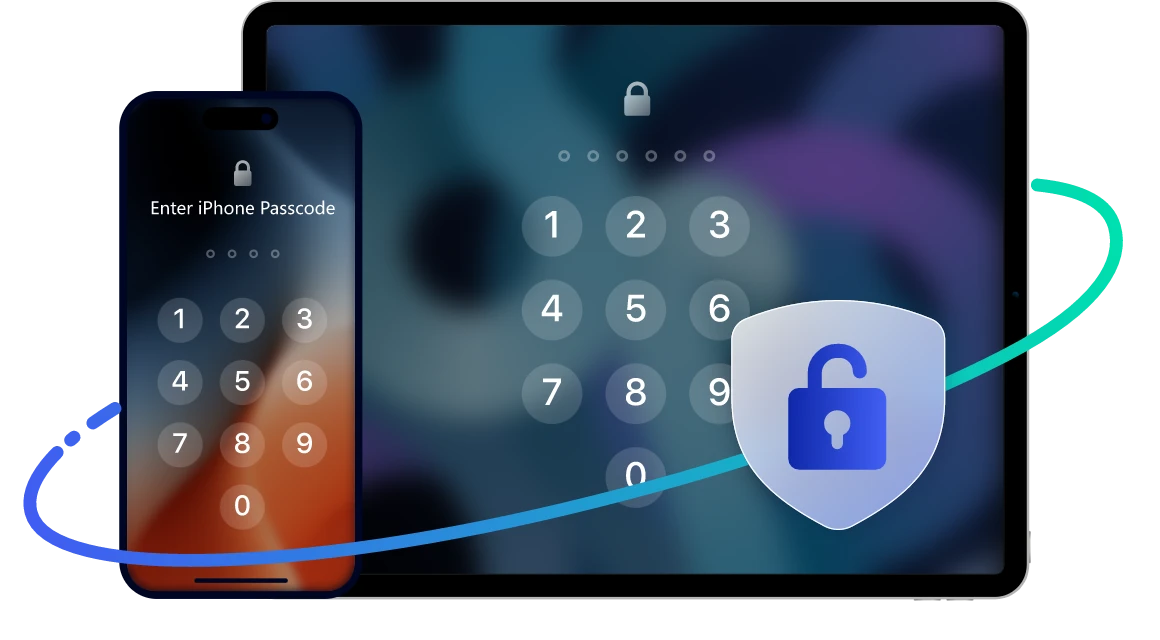
 Forgot Password
 Damaged Screen
 iPhone Unavailable
 Security Lockout
Reminder: Unlocking the screen will erase all data and set up the device as new. You may need to reset your password during setup.
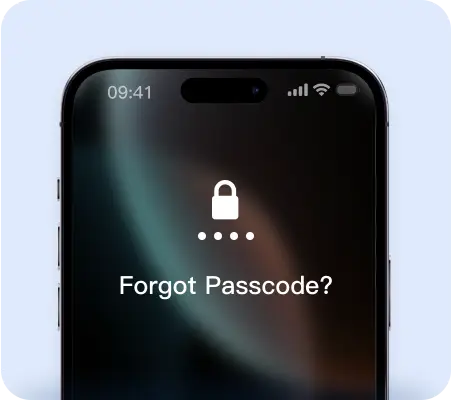
Forgot Screen Password
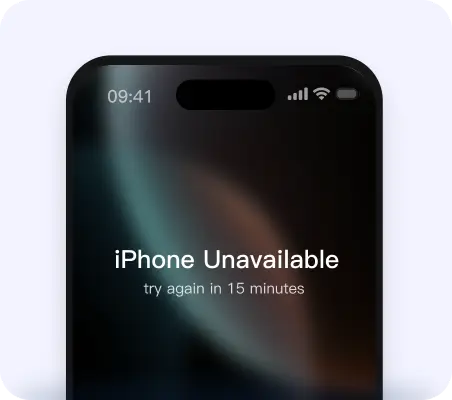
iPhone Unavailable
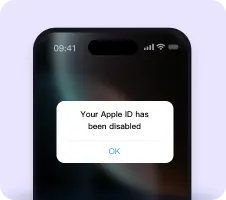
Apple ID Disabled
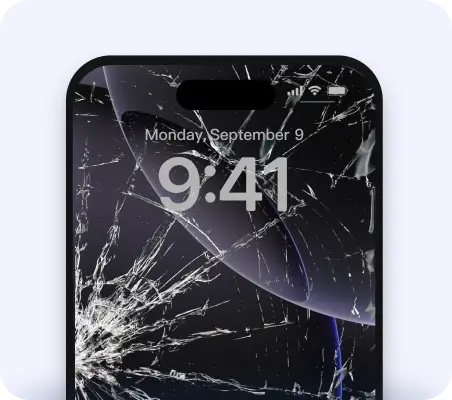
Damaged iPhone Screen
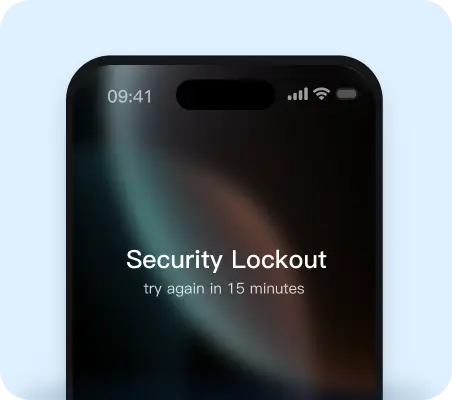
Security Lockout
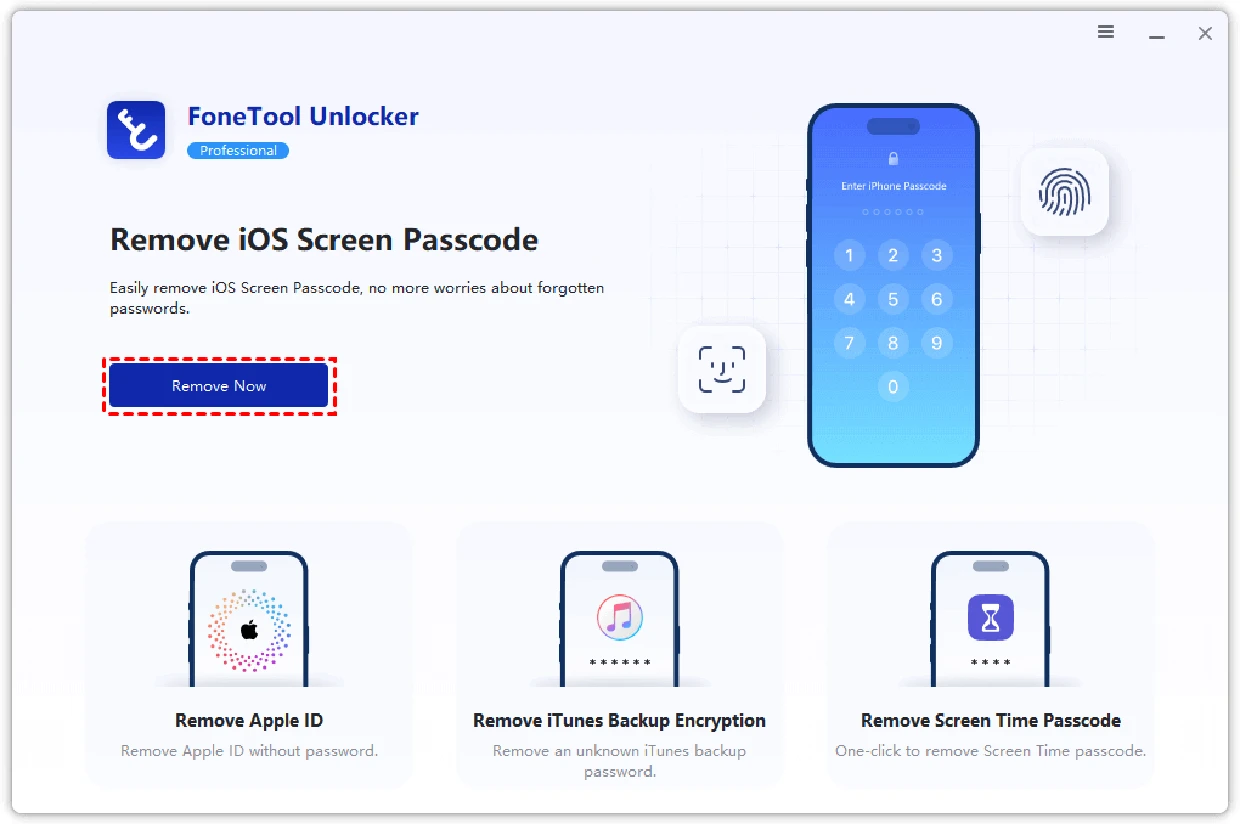
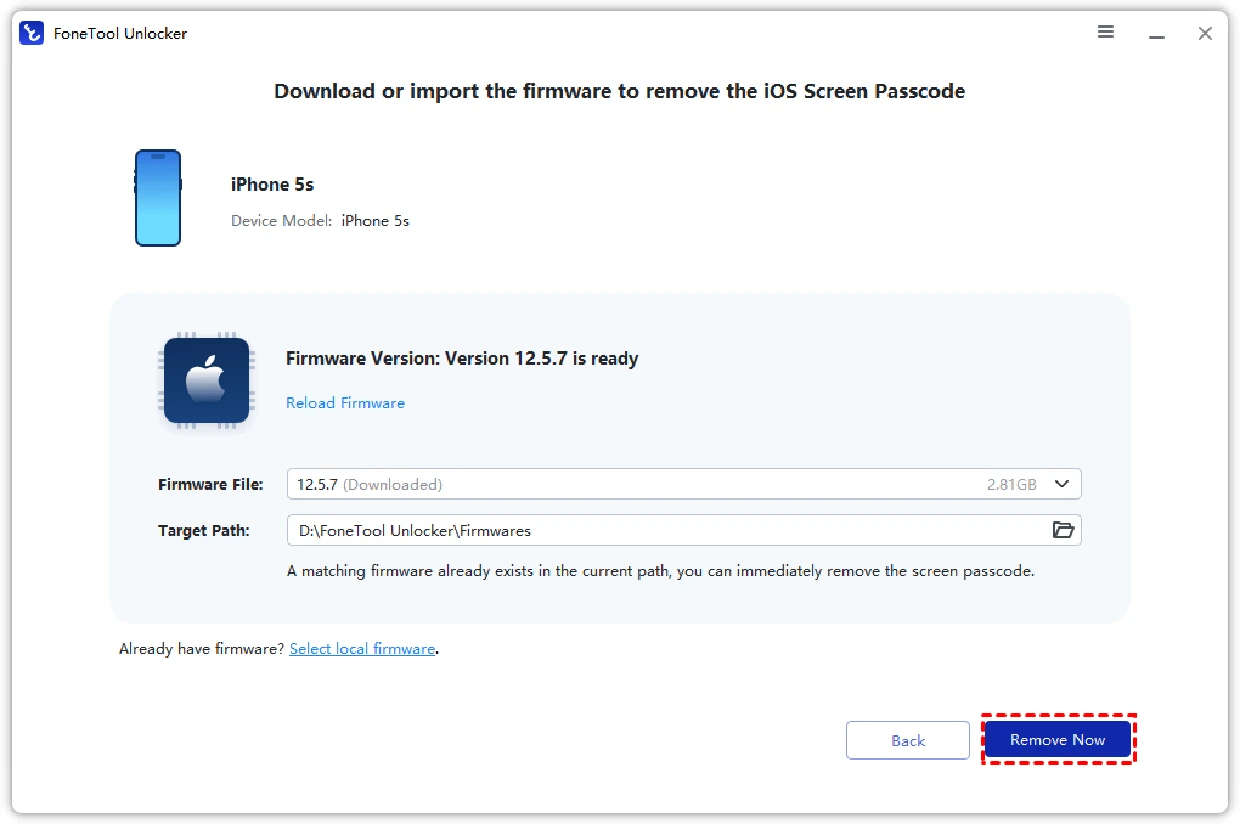
Connect Your Device: Launch FoneTool Unlocker and click “Remove Now”.
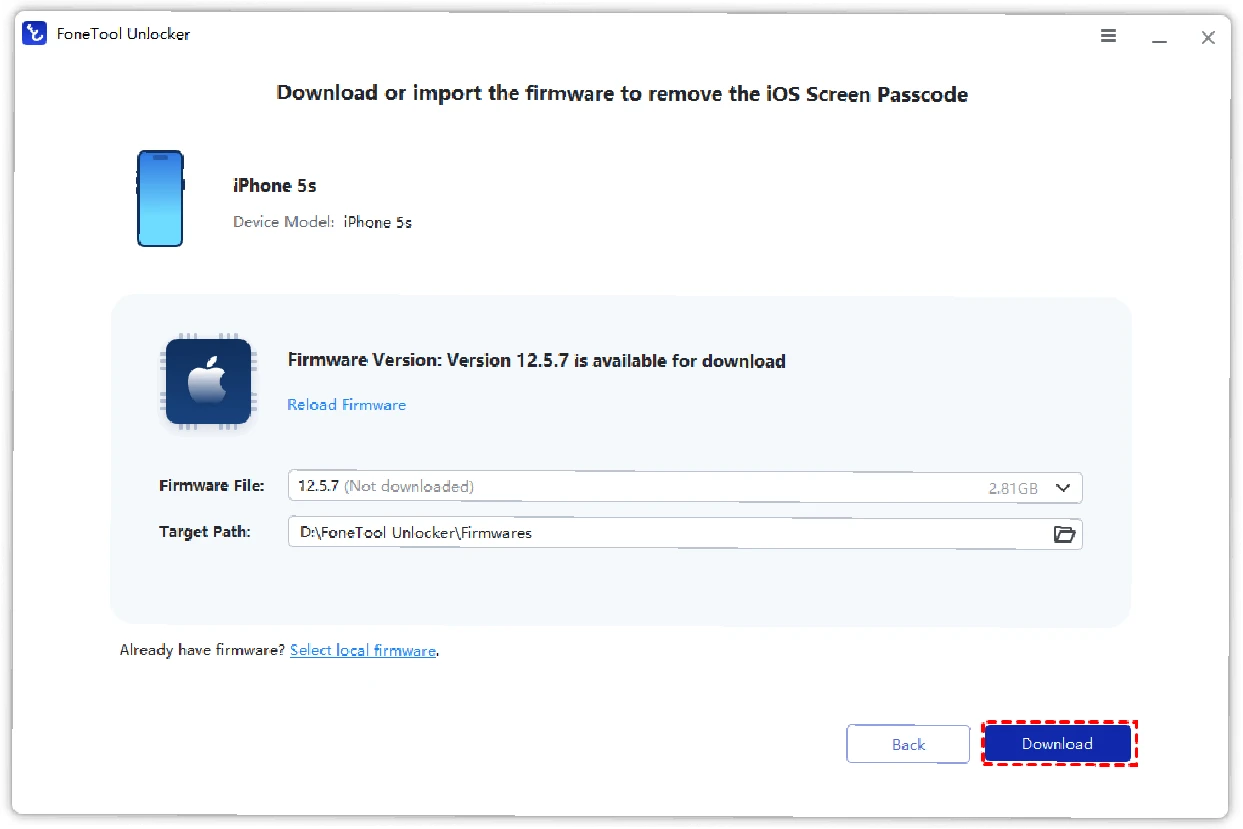
Download Firmware: Let the software get what it needs.
Unlock & Done: Click “Remove Now” again and regain access. If Find My iPhone is on, iCloud activation is required.
Supported Devices
All models of iPhone, including iPhone 16~4 series
iPad Pro, iPad Air, iPad Mini, iPad
iPod Touch 7/6/5/4/3/2
Supported Operating System
 Windows
 Windows 11/10/8/8.1/7
 iOS
iOSAll iOS/iPad OS, including the latest iOS 26


FoneTool Unlocker could be a very useful tool for any iPhone user... if you're looking for an iPhone password remover for your device, this may be worth a look.

This tool has been unanimously endorsed by us, and it really works in a variety of iPhone locked scenarios. The best part is that the solution only takes a few clicks.

FoneTool Unlocker is worth using because it can easily deal with situations such as forgetting Apple ID, iPhone being disabled, and not being able to unlock iOS devices.

FoneTool Unlocker provides a useful solution to help iOS device users unlock iPhone/iPad/iPod Touch and easily gain control of their device without fear of password loss.
Forgot my passcode and couldn’t get into my phone. This software saved me in less than 10 minutes.
With the help of FoneTool Unlocker, I was able to activate my iPad, even though I lost my Apple ID and password, thank you so much to the developer!
Thank God, you know, I'm a very non-computer user-friendly person, but FoneTool Unlocker made it easy for me to remove the password, and it's really very user-friendly.
I dropped my phone and the screen stopped working. FoneTool Unlocker unlocked it so I could back up my data. Cool!
FoneTool
Unlocker
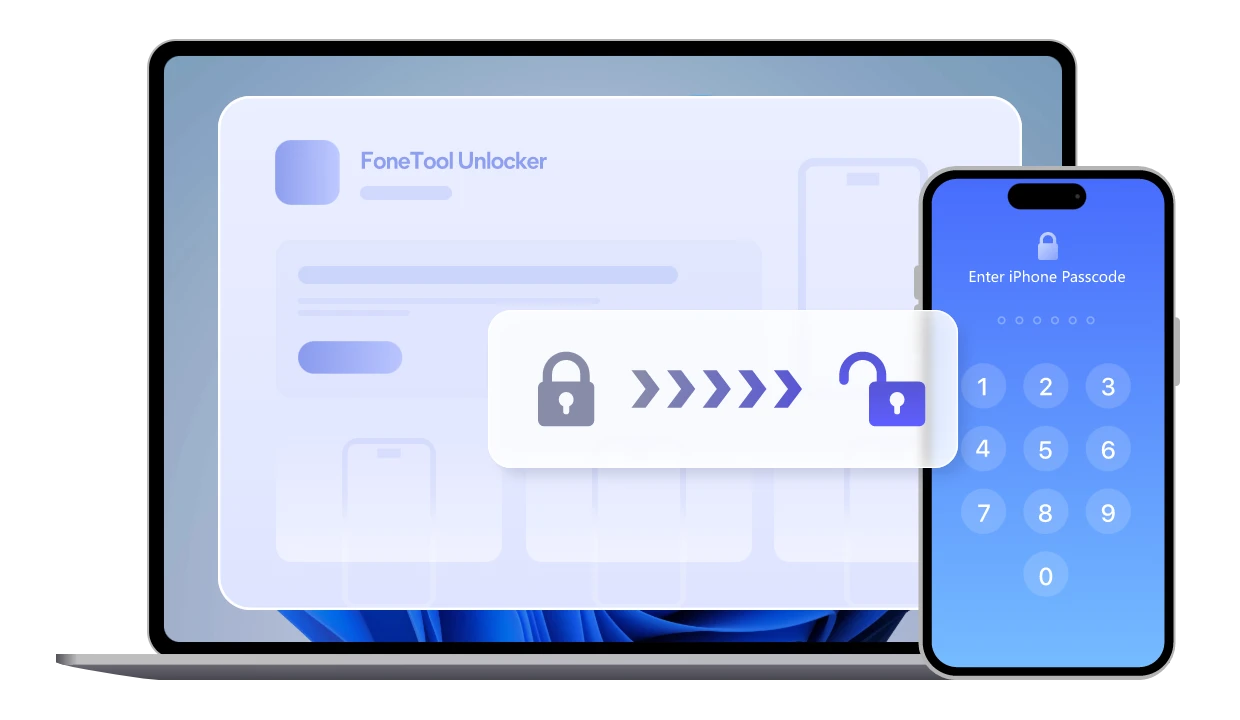
Don’t let a locked iPhone stop you. Regain access in minutes!
 FoneTool Unlocker