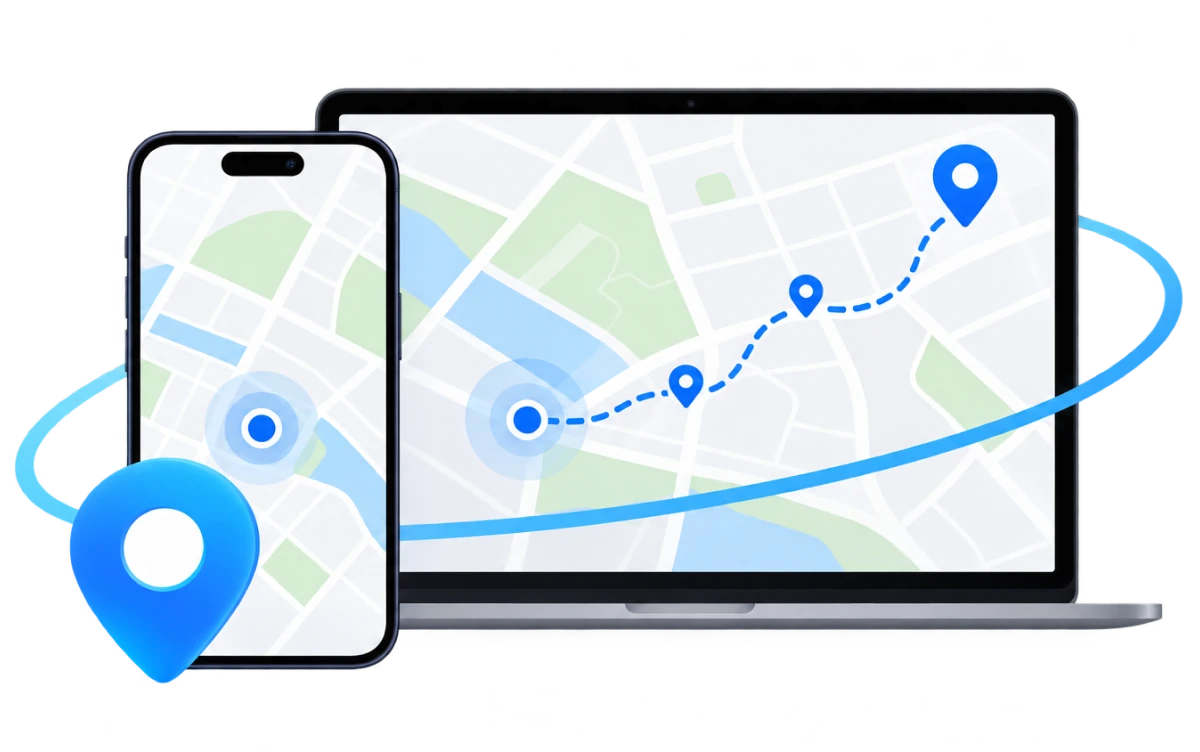
Change GPS Location for Apps & Games
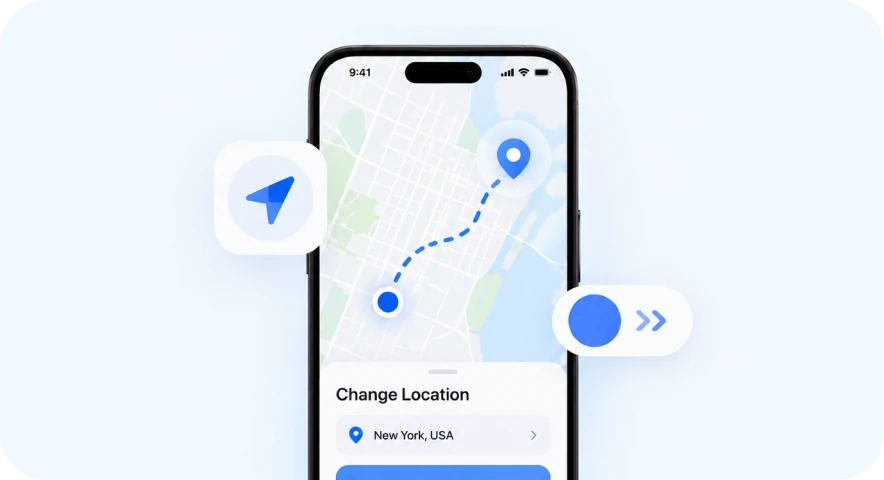
For privacy, social and dating apps, or location-based games, FoneTool VirtualLocation gives you precise control over your iPhone or iPad GPS location.
Change your iPhone or iPad GPS location to anywhere - instantly, with one click. Or simulate natural movement along custom routes. Set a fixed virtual location, move between two spots, or create a multi-stop route. No jailbreak required.

For privacy, social and dating apps, or location-based games, FoneTool VirtualLocation gives you precise control over your iPhone or iPad GPS location.
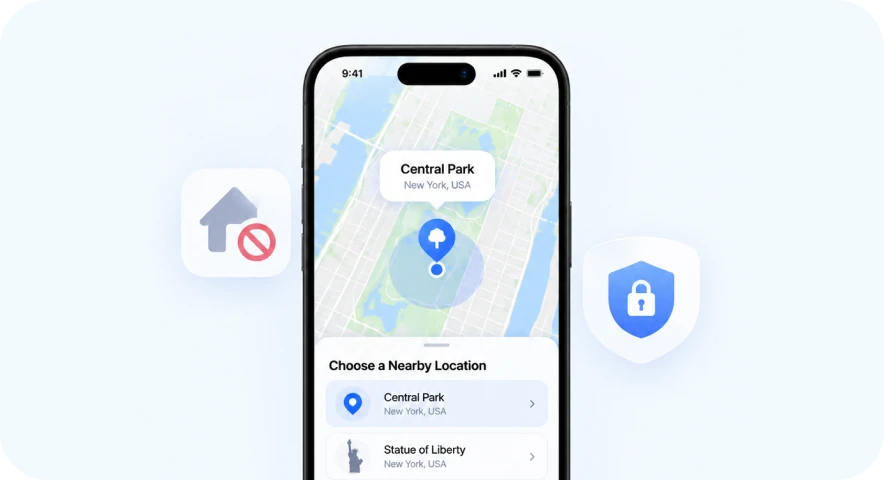
Use a nearby public landmark instead of your home or workplace as your GPS location. Restore your real location in one click.
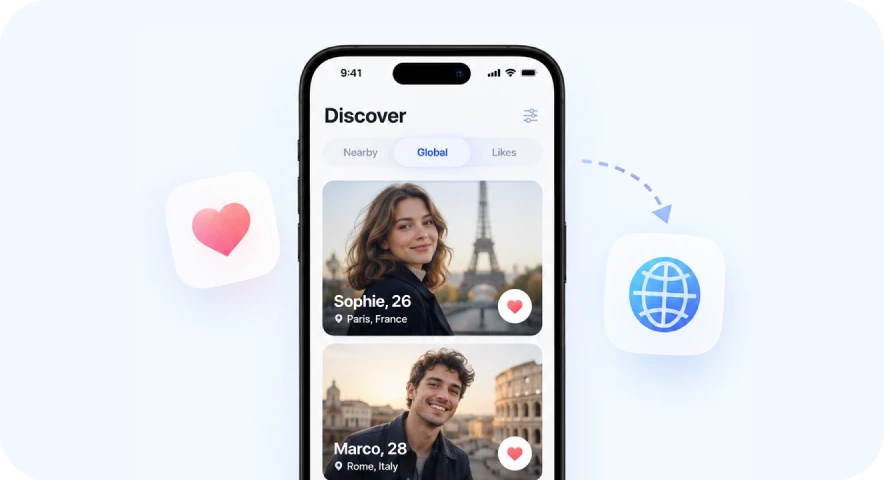
Preview local content and features in social and dating apps by setting your virtual location to another city—without traveling there.
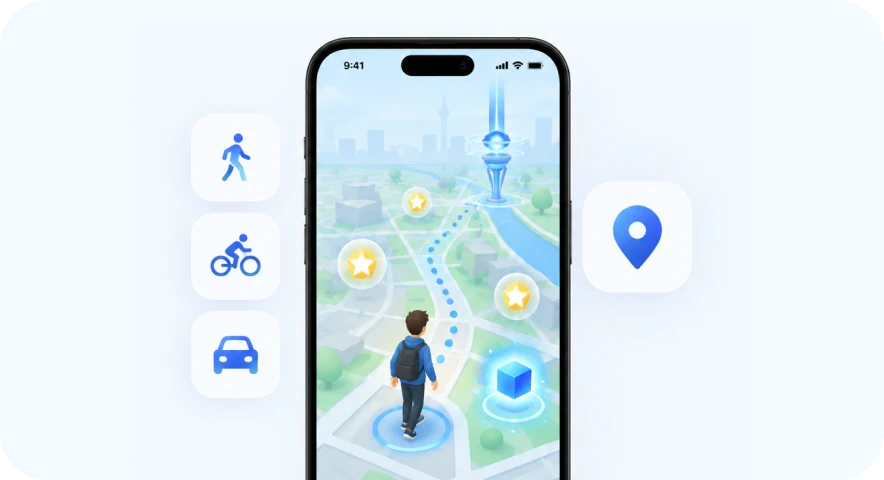
Simulate walking, cycling, or driving routes for location-based games from your desktop, without long trips or heading out in bad weather.
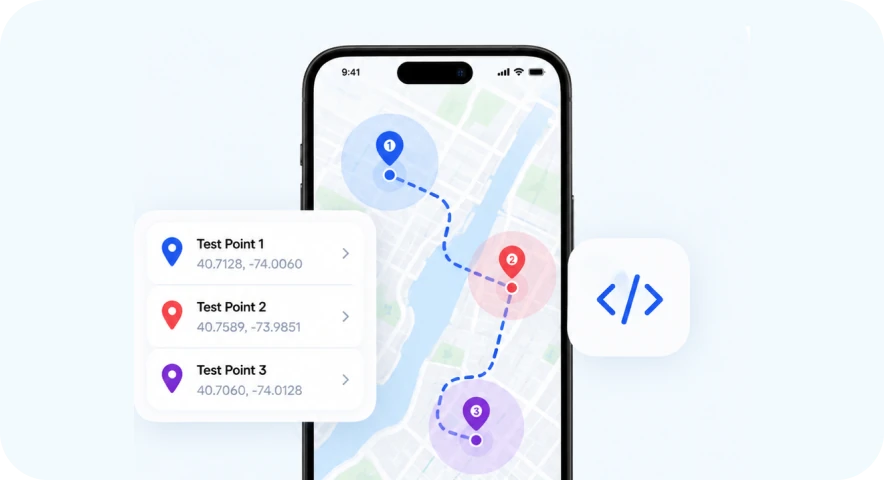
Test geofencing, check-in flows, map rendering, and route features at different GPS coordinates, without traveling to each test location.
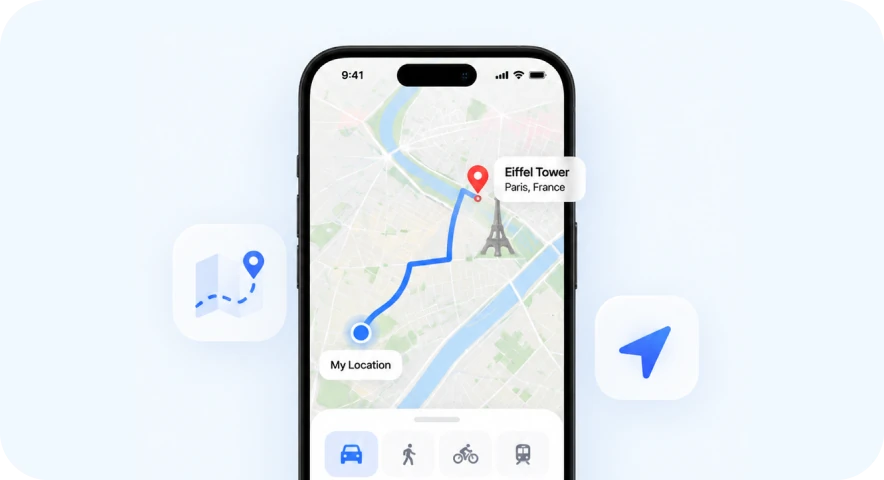
Simulate a route before you go. Preview its distance, estimated time, and road-following path for walking, cycling, or driving.
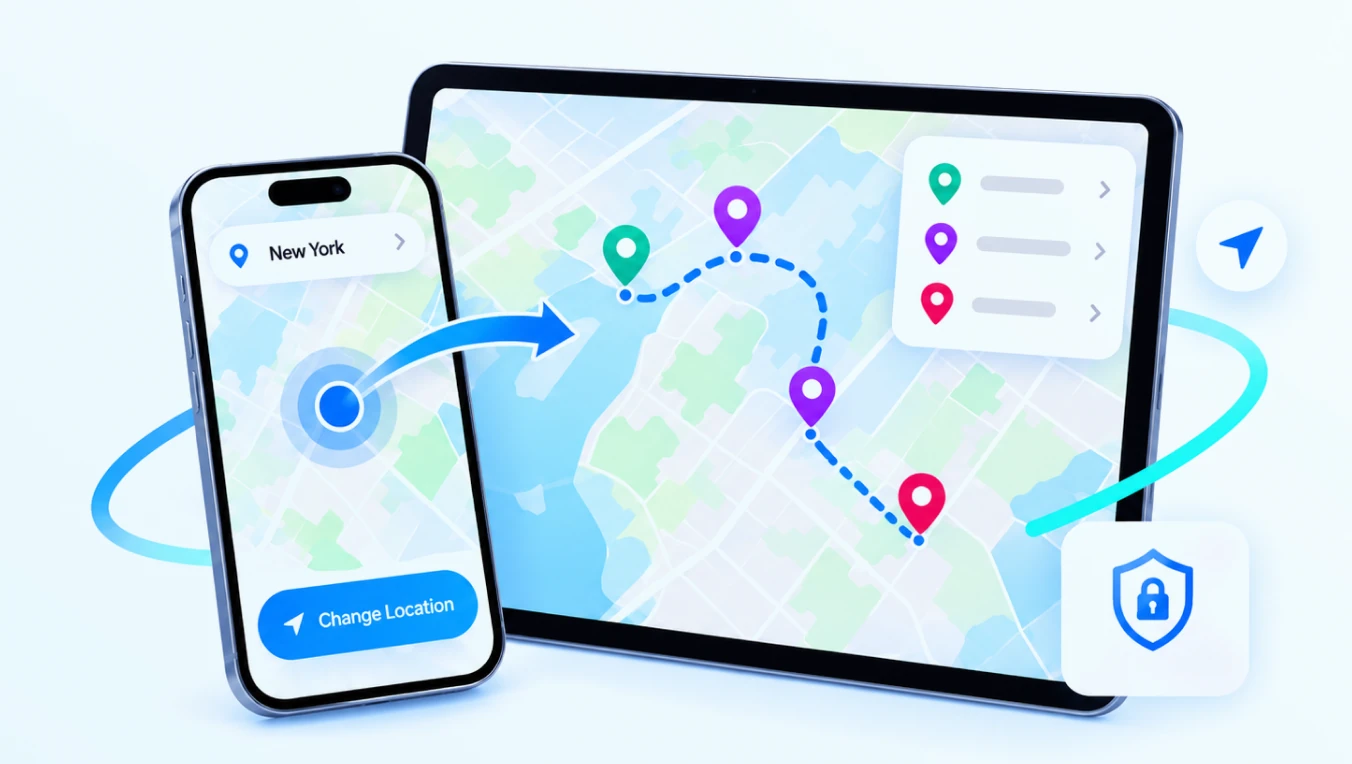
Whether you need a fixed virtual position or a route that changes over time, FoneTool VirtualLocation gives you precise control over where your device appears to be.
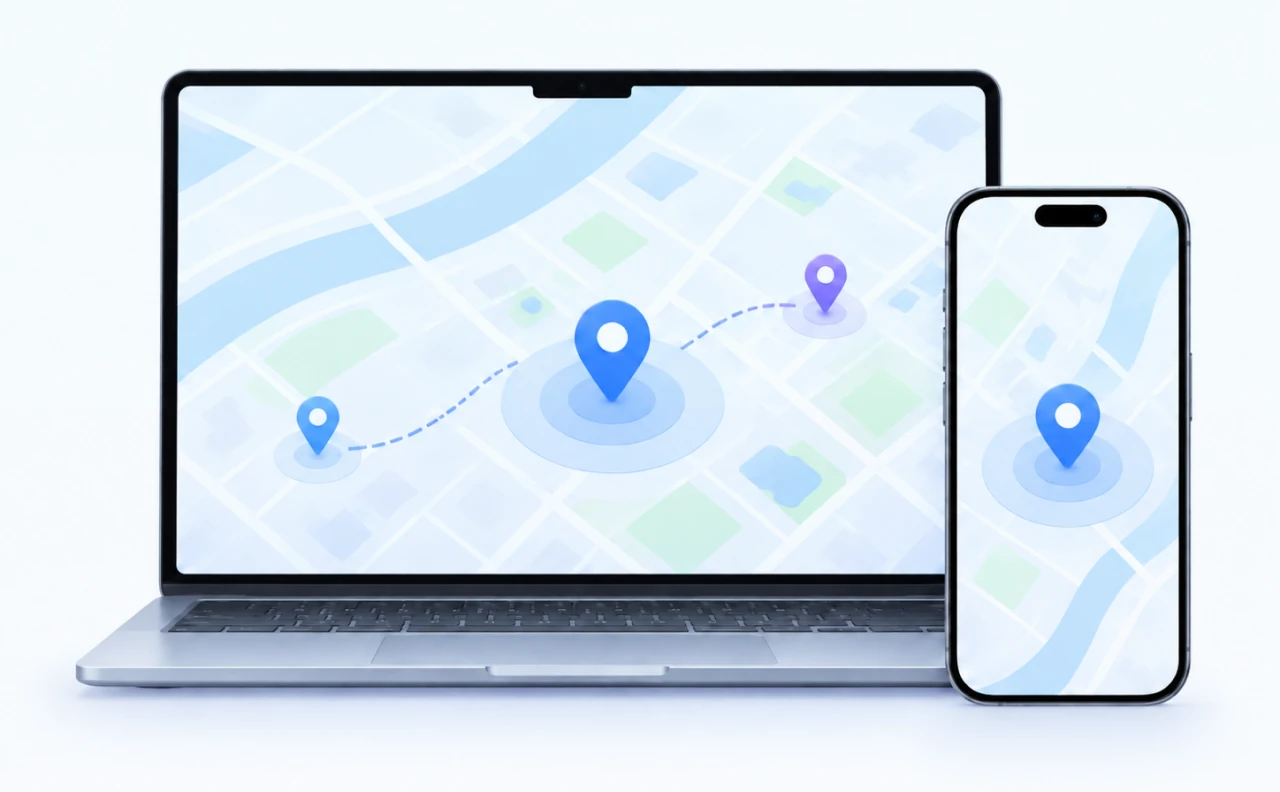

Instantly fake your GPS location to any coordinates you want. Apply your virtual location to games, dating apps, travel apps, social apps, and other location-based apps. Use Fluctuation Mode to make your virtual location fluctuate within a few meters of the selected spot for a more natural result. Return to your original location anytime with one click.

Select a start point and an end point, and your device's GPS location will move along the generated route at the specified speed. Choose One Way or Round Trip with a customizable number of trips. Use this GPS route simulator to simulate GPS movement in games, outdoor activity apps, and other location-based apps.

Select multiple locations and make your phone's GPS move along a customized route. Use this feature to simulate GPS movement along a custom route in games like Pokémon GO, outdoor activity apps, and other location-based apps.
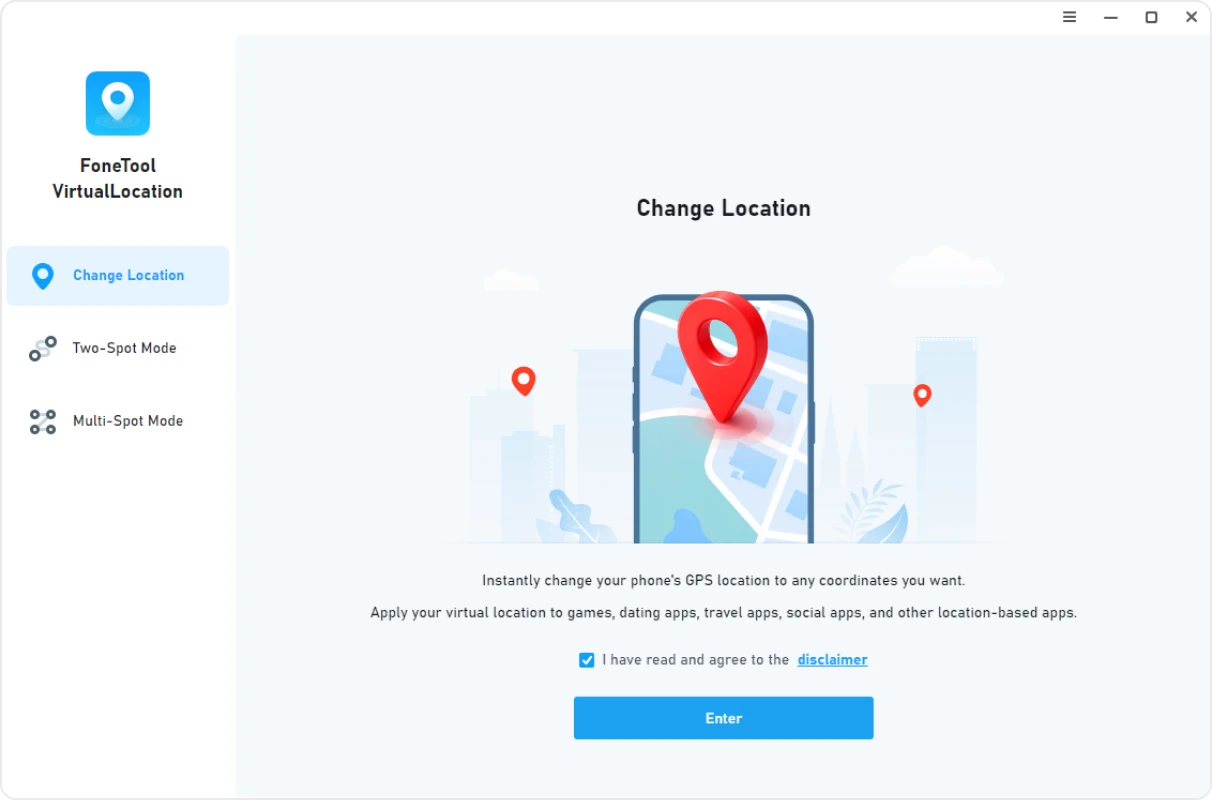
For iOS 16 and later, Developer Mode is required. If prompted, go to Settings > Privacy & Security > Developer Mode, turn it on, and confirm. Your device will restart. After restarting, unlock your device and tap “Turn On” to enable Developer Mode.
No subscription, no paid plan. Change your location and simulate routes at no cost.
Works with iOS 27 and iPadOS 27, plus earlier versions back to iOS 10.
Return to your real location in one click. No need to restart your iPhone.
Set movement speed with walking, cycling, motorcycle, and driving-style controls. Adjust speed with the slider before starting movement.
Save frequently used locations as favorites and apply them as your virtual location, start point, or end point with one click.
Choose one-way or round-trip movement where available, with customizable round-trip counts in Two-Spot and Multi-Spot modes.
“I test location features for a delivery app. Before FoneTool VirtualLocation, I manually switched coordinates in Xcode. Now Two-Spot Mode handles the movement, and the adjustable speed makes my test scenarios much more realistic.It's the best location changer I've used for QA testing.” ”

“I don't want apps knowing exactly where I live. FoneTool VirtualLocation lets me set my location to a coffee shop nearby. When I'm done, I click Restore Real Location and everything goes back to normal.I love that it's a free location changer with no hidden costs. ”
“We needed to test our cycling app with different route types. Multi-Spot Mode was perfect for quick tests along a custom route, and the adjustable speed made it easy to simulate different riders. As a GPS route simulator, it's exactly what we needed.”
“I'd tried other location tools that were complicated. FoneTool VirtualLocation was different - connected my iPhone, picked a spot on the map, and it just worked. No jailbreak, no weird setup. I figured it out in about two minutes.”
Yes. Use the official FoneTool installer and follow the product instructions. The software does not modify system files and does not store your location history.
No jailbreak is required. For iOS 16 and later, Developer Mode is required. FoneTool VirtualLocation provides on-screen guidance to help you enable it: Settings > Privacy & Security > Developer Mode. Your device will restart, and you'll need to unlock it and confirm.
FoneTool VirtualLocation supports iPhone, iPad, and iPod touch. The minimum supported iOS version is iOS 10 and later.
The first release supports Windows 11/10/8/7 (64-bit). Mac support is not available at this time.
You can click the Restore Real Location button in the left panel at any time. The virtual location may persist for a few hours after disconnection (typically 3–6 hours), but you can always restore it manually.
Yes, the first release is free to download and use. There are no feature limitations in the free version.
Some apps and services prohibit virtual location use in their terms. FoneTool VirtualLocation does not interfere with any app's detection systems. Users are responsible for following each service's terms and using the tool responsibly.
FoneTool VirtualLocation changes the GPS location reported by your iPhone or iPad. It works with location-based apps, including games like Pokémon GO. However, Pokémon GO's terms of service prohibit GPS spoofing, and Niantic uses anti-cheat systems to detect it. FoneTool VirtualLocation does not interfere with any app's detection systems, and users are responsible for following each service's terms.
Try the following: reconnect the device, try another USB port or cable, repair Apple Components, or reinstall the driver. If the issue persists, contact [email protected].
Not at this time.