Samsung FRP Bypass Tool for Google Account Verification

  • Bypass Google FRP after factory reset
  • Set up Samsung devices with your Google account
  • High success rate with advanced FRP unlock technology
  • Support Samsung Galaxy models, including the latest S26 series
  • A guided FRP unlock process with no complicated commands
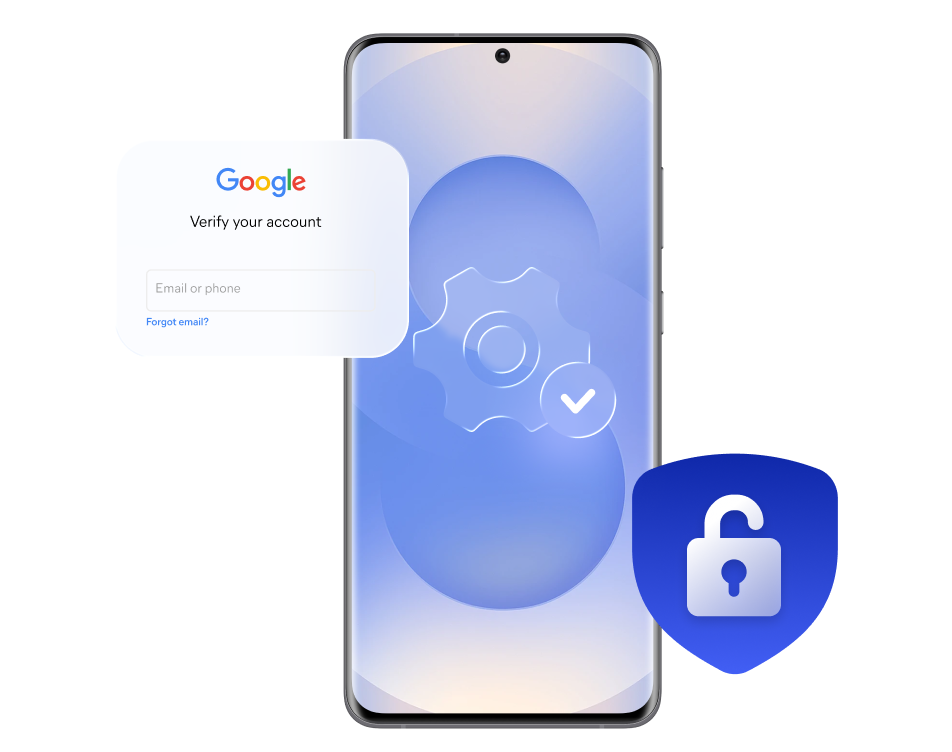
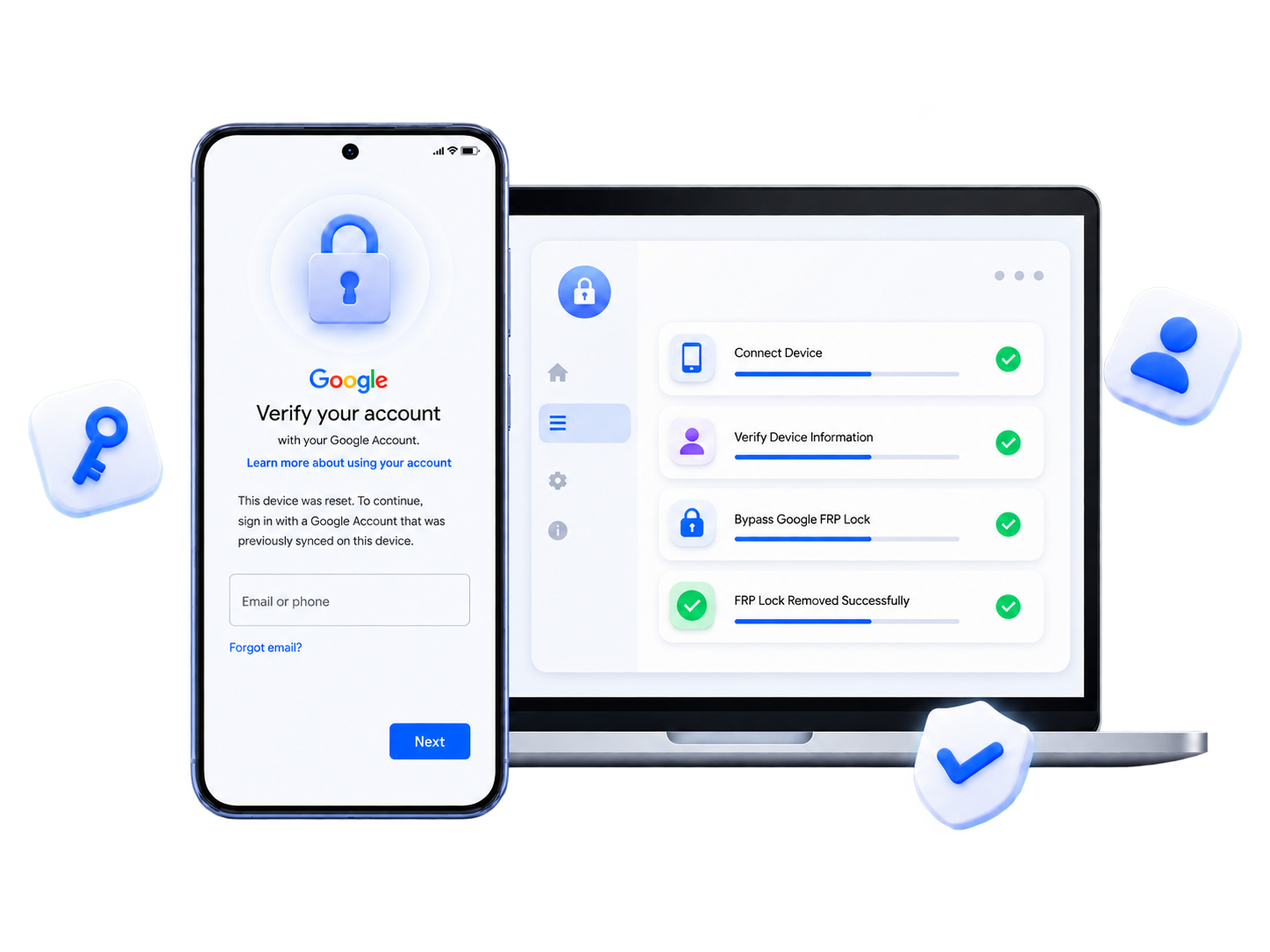
Samsung FRP unlock workflow

When Do You Need a Samsung FRP Bypass?

Google FRP protection

Stuck at Google Verification After a Factory Reset?

Your Samsung Galaxy may be protected by Google FRP (Factory Reset Protection), which requires the previously linked Google account after certain factory resets. If you own or are authorized to service the device, FoneTool Unlocker provides a guided FRP unlock solution for supported Samsung devices.

Forgot the Google Account

You no longer remember the Google account previously associated with your Samsung device and cannot complete the setup process after a reset.

Forgot Google account

Bought a Used Samsung

The previous Google account is still linked to your second-hand Galaxy phone or tablet, which prevents you from completing the setup process.

Used Samsung device

Refurbished or Service Devices

An existing FRP lock needs to be addressed before an authorized Samsung device can be refurbished, serviced, or reused.

Samsung service device

Received a Gifted or Transferred Device

A Samsung device transferred to you by a family member, friend, or organization may still have the previous user's Google account associated with it.

Transferred Samsung device

Regain Full Access to Your Samsung Device

Once the FRP unlock process is complete, you can continue setting up your Samsung device instead of remaining at the Google account verification screen.

Continue Setup

Move past the FRP-related verification step and proceed with your Samsung device setup.

Use Your Account

Sign in with your Google account during setup and configure the device for your own use.

Samsung phone ready for setup
Access Your Device

Complete the setup process and access the device's features, apps, and settings.

Start Using Again

Get past the FRP-related setup restriction and start using your Samsung device again.

Why Choose FoneTool Unlocker for Samsung FRP?

One-Click FRP Bypass

Start the FRP unlock process with a simple click, without complicated ADB commands or rooting.

High Success Rate

Built with advanced FRP unlock technology to help address Google FRP on supported Samsung devices.

Broad Device Support

Support most Samsung Galaxy models, including Galaxy S26, S25, S24, and selected S, A, M, Z, Fold, and Flip series devices.

Easy to Use

The workflow keeps the FRP unlock process straightforward, just follow the required steps without advanced knowledge and skill.

How to Bypass Samsung Google FRP in 3 Steps

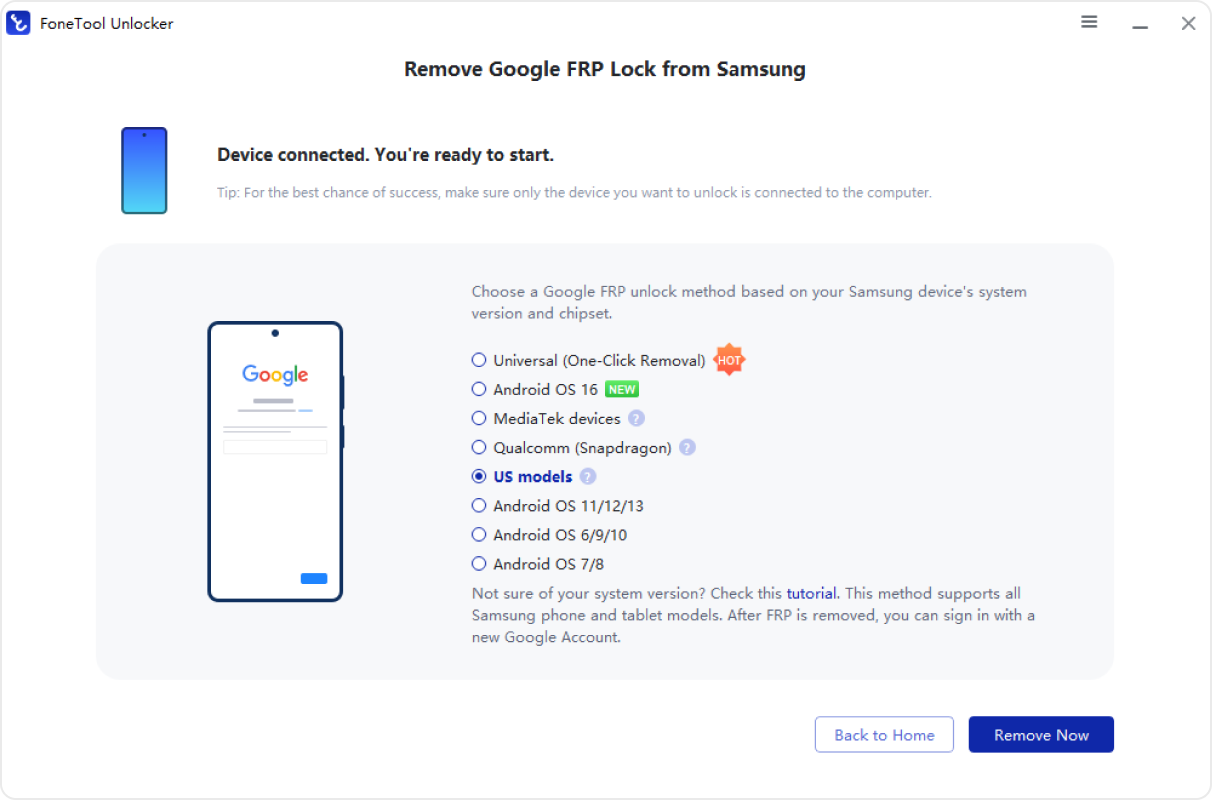
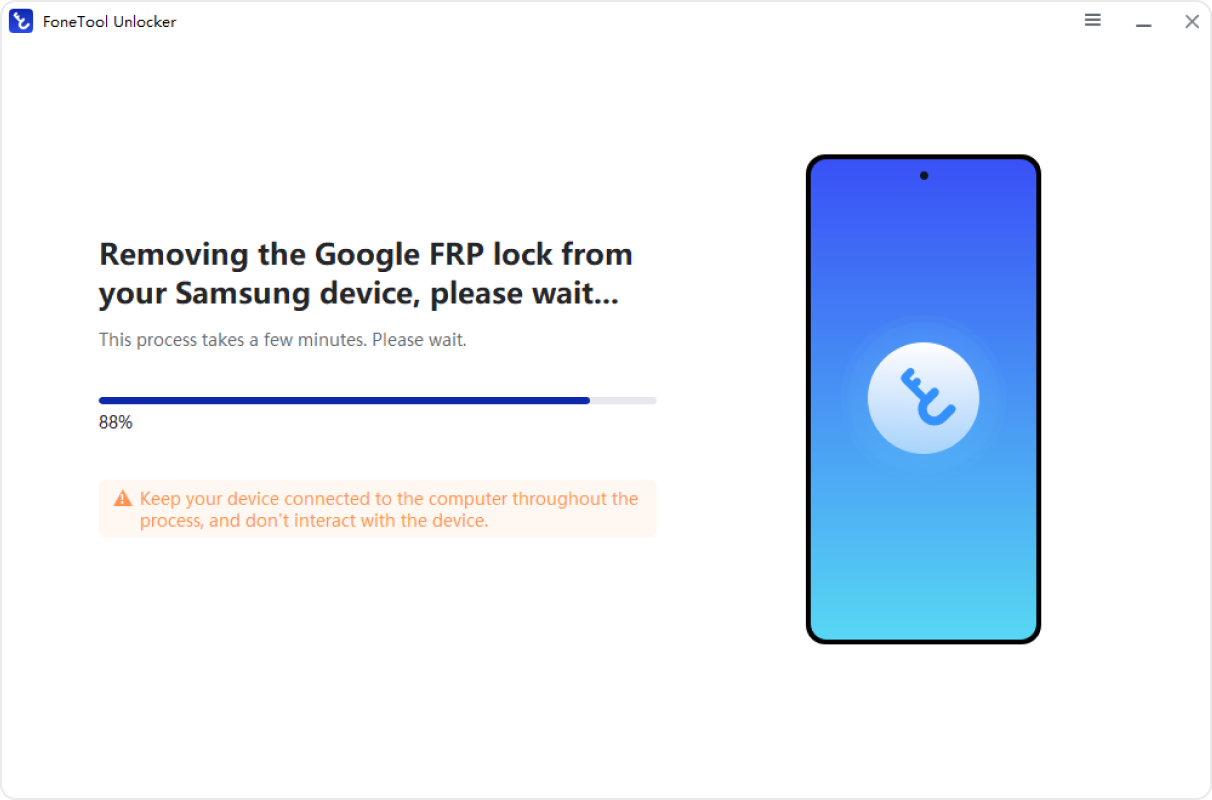
FoneTool Unlocker step 1 screen Samsung FRP device connection screen Samsung FRP unlock completed screen

FoneTool Unlocker System Requirement

Supported Devices

Samsung Galaxy S26, S25, S24, and selected S, A, M, Z, Fold, and Flip series models.

Supported Android

Android 6–16 on supported Samsung devices.

Supported PC

Windows 11, Windows 10, Windows 8.1, Windows 8, and Windows 7.

Connection

USB connection between the Samsung device and Windows PC.

FRP Support

Google FRP unlock for supported Samsung devices.

FAQs on Samsung FRP Bypass

  • What is Samsung FRP bypass?

    Samsung FRP bypass refers to addressing Factory Reset Protection when a supported Samsung Galaxy device remains at Google account verification after a factory reset. FRP is a security feature designed to help prevent unauthorized use of a reset device.

  • Why does my Samsung ask for the previous Google account?

    When Google Device Protection is triggered after certain factory-reset scenarios, Android may require the Google account previously associated with the device before setup can continue.

  • Does FoneTool Unlocker support Samsung Galaxy S26?

    FoneTool Unlocker supports selected Samsung Galaxy S26 configurations. Compatibility depends on the exact model, Android version, security patch, firmware, and device state. Check the latest compatibility information before starting.

  • Will FRP bypass erase my data?

    The effect on your data depends on the Samsung model and the unlock workflow used. Some FRP-related procedures may require a factory reset, which can erase data stored on the device. Back up important data whenever possible before proceeding.

  • Can I use an FRP bypass tool for Android without a PC?

    No-PC FRP bypass methods are unreliable on newer Android devices. If you are looking for an FRP bypass Android solution, FoneTool Unlocker currently supports selected Samsung Android devices through a Windows-based workflow.

  • Why does Samsung FRP bypass fail on some devices?

    FRP bypass can fail due to Android security patches, Setup Wizard restrictions, disabled ADB after factory reset, or brand-specific firmware layers. Newer Android versions often block older bypass methods. FoneTool Unlocker stays updated to overcome these challenges.

  • Is FRP bypass legal?

    FRP is a security feature designed to help prevent unauthorized access to a reset device. Use FoneTool Unlocker only on devices you own or are authorized to service. Laws and regulations may vary by location, so make sure your use complies with applicable requirements.

  • What if I don't know the Google account on the device?

    If you cannot recover the Google account previously associated with the device, FoneTool Unlocker may provide an alternative FRP unlock workflow for supported Samsung configurations. The exact process depends on the device and software configuration.

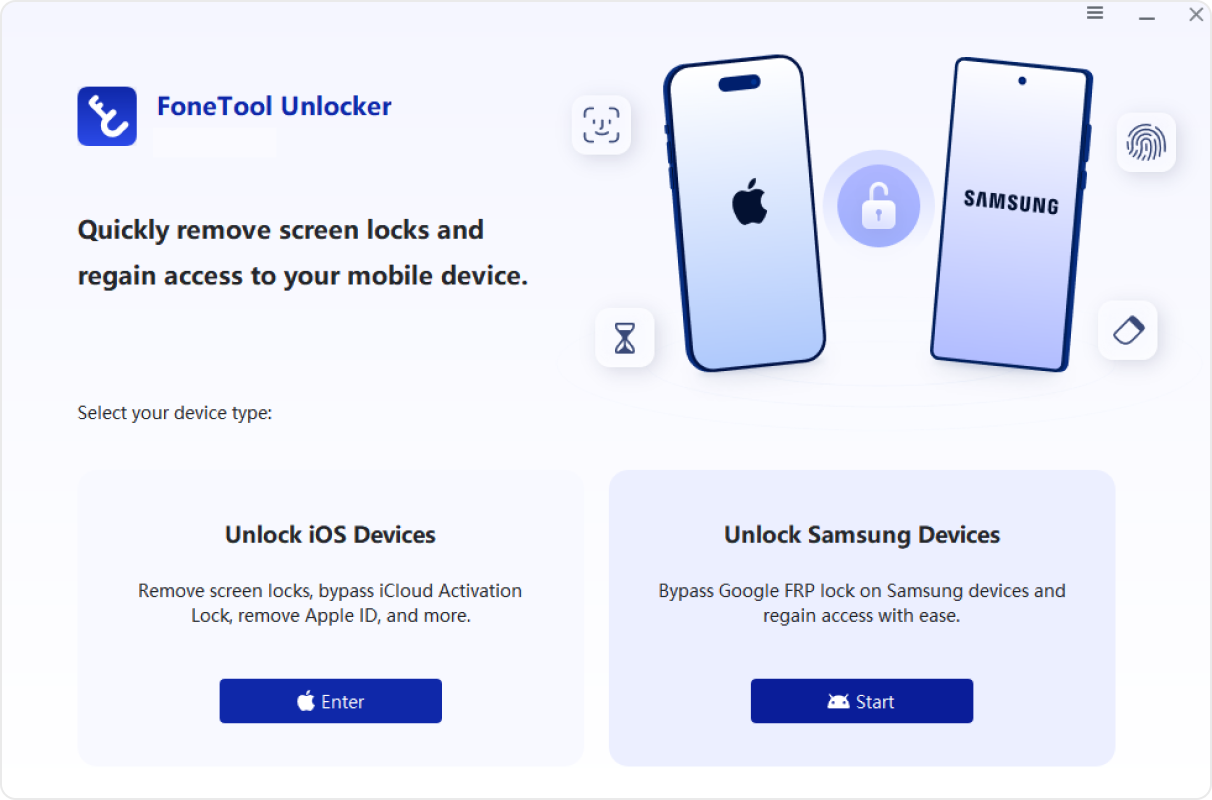
FoneTool Unlocker

Get Your Samsung Device Ready for Setup.

FoneTool Unlocker device setup