-
How to unlock iPhone passcode without computer?
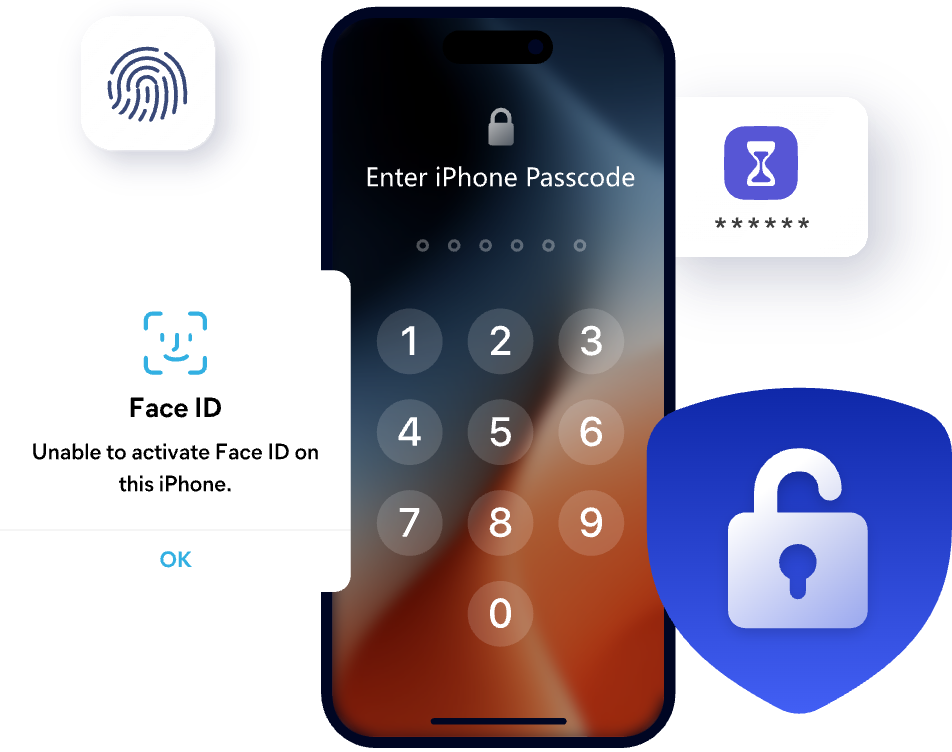
When you forgot your iPhone passcode and can't use your computer, the only way to unlock it is through iCloud. iCloud allows you to remove a locked iPhone on any device that has access to iCloud.com. Here are the steps to unlock iPhone passcode without computer:
1. Log in to iCloud.com and sign in.
2. Select Find iPhone, then tap your locked device.
3. Click Erase to clear the device data to unlock the passcode.
-
Can I unlock my iPhone or iPad without iTunes?
Yes, you can use professional unlocking software like FoneTool Unlocker instead of iTunes to unlock your device:
1. Download and launch FoneTool Unlocker.
2. Connect the device and computer with a USB cable.
3. Click "Start" to download the firmware package.
4. Tap "Start Unlock" and your iPhone or iPad will be unlocked in a few minutes.
-
How to remove Apple ID from iPhone when it's locked?
In fact, if you can't unlock the screen, you can't delete the Apple ID. You can use professional tools such as FoneTool Unlocker, which can help you unlock the iPhone screen and remove your Apple ID. In addition, when deleting the Apple ID, you need to click "Trust" on the device and unlock the screen.
-
How to remove iCloud Activation Lock without Apple ID or password?
If you can't access the Apple ID or password linked to an iPhone or iPad, an iCloud Activation Lock removal tool can help on supported devices. FoneTool Unlocker provides a dedicated option to remove iCloud Activation Lock and regain access to the device. Check the device compatibility and requirements before starting the removal.
-
Can you unlock a disabled iPhone without erasing data?
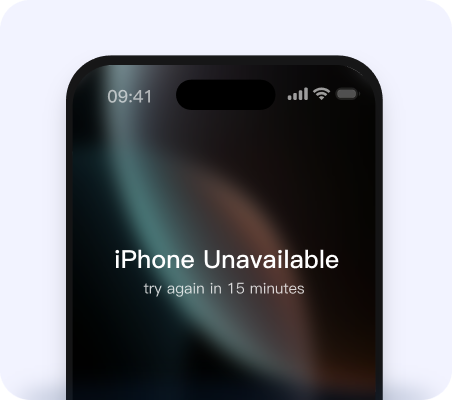
Currently, whether you use iTunes, iCloud, or any iOS unlock tool on the market, the device data will be erased. Therefore, it is impossible to unlock a disabled iPhone without losing data. However, if you have a backup, you can restore the data after unlocking.
-
Why won't my Apple ID let me sign out due to restrictions?
If you can't sign out of your Apple ID, it may be due to the following reasons:
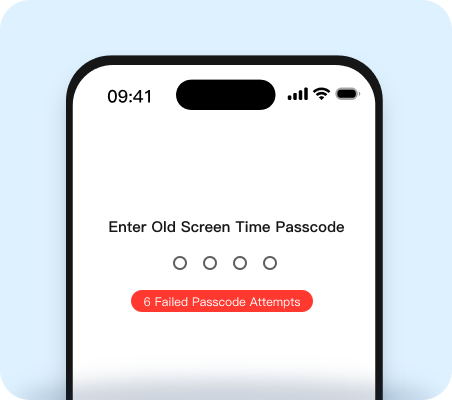
1. Screen Time Restrictions: Disable in Settings > Screen Time > Content & Privacy Restrictions (Screen Time password required). Or use FoneTool Unlocker to remove screen time restrictions in one click.
2. Find My iPhone: Turn off in Settings > [your name] > Find My (Apple ID password required).
3. Managed Devices: Organizational restrictions may prevent you from signing out, please contact your administrator.
4. System Failure: Restart your device or update iOS.
-
How can I find saved passwords on my iPhone?
You can check passwords saved on your iPhone using a password management tool. FoneTool Unlocker can scan a connected iPhone or iPad for supported saved information, including Wi-Fi passwords and website or app account credentials, so you can easily view and manage your saved passwords.
 FoneTool
Unlocker
FoneTool
Unlocker