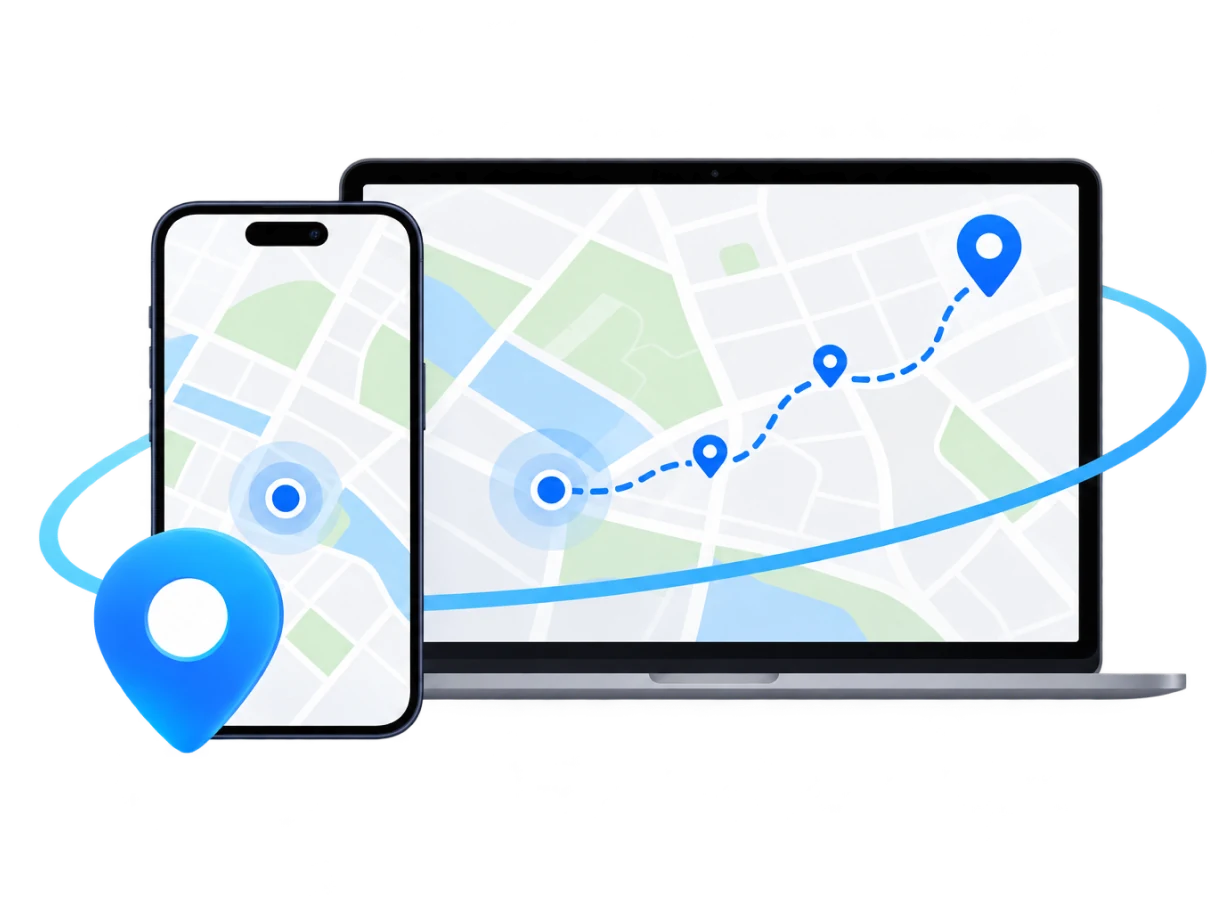

Move at Your Own Pace
Set a start point and end point, and your device's GPS location moves along the route at a speed you choose. Use Two-Spot Mode for a simple A-to-B journey, or Multi-Spot Mode for a route with several stops.

Pokémon GO rewards movement - Eggs need distance, Buddy Pokémon need Candy, and Adventure Sync tracks your weekly total. But bad weather, limited mobility, or a busy schedule can make it hard to keep moving.
FoneTool VirtualLocation simulates movement along a route from your computer. It does not modify the Pokémon GO app - it simply makes your device report a GPS location that moves along a route you define.
Set a start point and end point, and your device's GPS location moves along the route at a speed you choose. Use Two-Spot Mode for a simple A-to-B journey, or Multi-Spot Mode for a route with several stops.

Choose walking, cycling, motorcycle, or driving-style speed controls. Adjust the slider before starting movement to match the pace you want to simulate.


Use Multi-Spot Mode to plan a route through several stops. Your device's GPS moves along each point in sequence, covering more distance in one session.

FoneTool VirtualLocation is free to use and does not require jailbreaking your iPhone or iPad. Connect your device, pick a route, and start moving.
Here are some real scenarios where route simulation can help. Each scenario uses Two-Spot Mode or Multi-Spot Mode to simulate movement along a route you define.
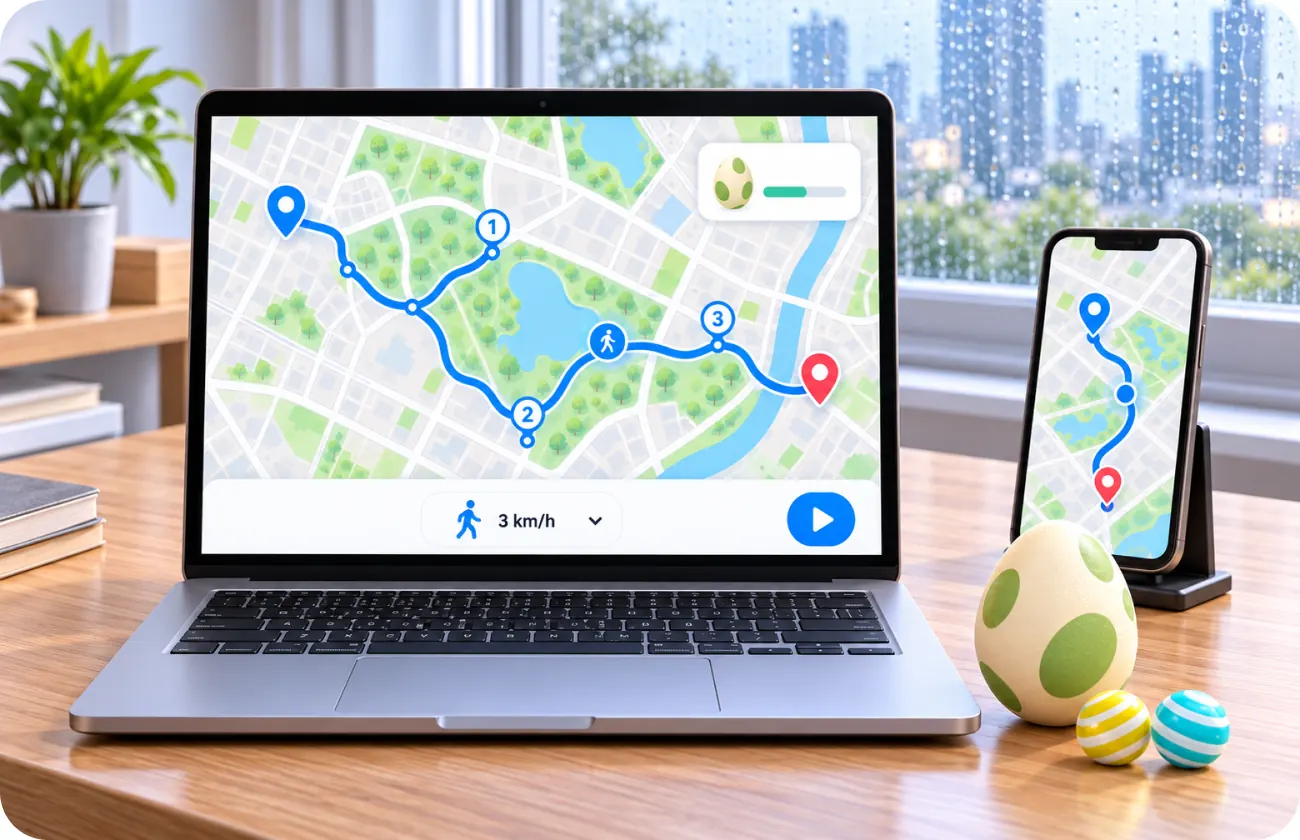
Eggs need distance to hatch, and Buddy Pokémon need distance to earn Candy. Set a walking-speed route with Two-Spot Mode, or plan a multi-stop route with Multi-Spot Mode. Your device’s GPS moves along the route, registering distance that can count toward both goals — useful on rainy days or when you can’t go outside.
Two-Spot Mode + Multi-Spot Mode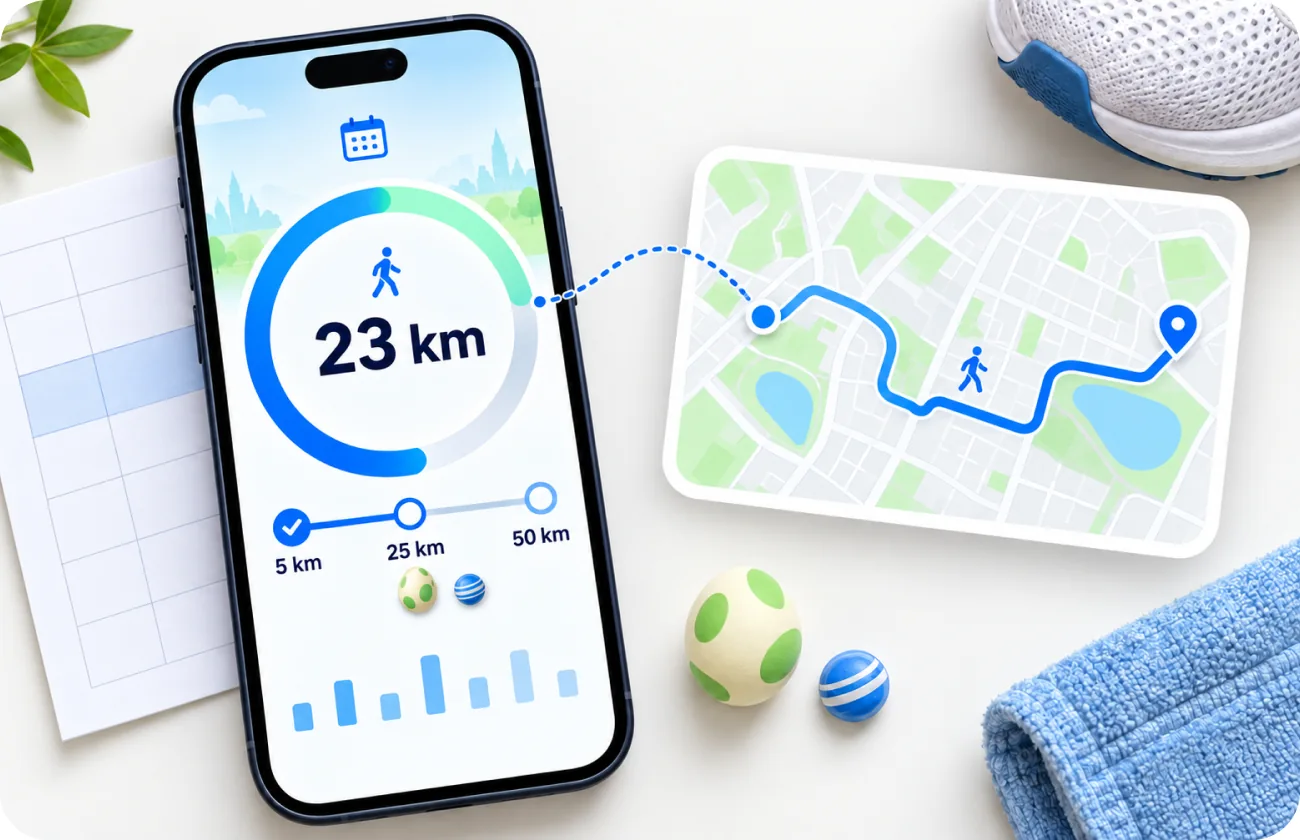
Adventure Sync rewards you for walking 5 km, 25 km, or 50 km each week. If you're short on distance, simulate a walking route to add movement to your weekly total. Whether it counts depends on Pokémon GO's own tracking systems.
Walking routes + Adventure Sync
Traveling to a new city and want to know what's around? Use Change Location mode to set your virtual location to that area, then switch to Multi-Spot Mode to plan a route through nearby stops. Useful for planning where to play when you arrive.
Change Location + Multi-Spot Mode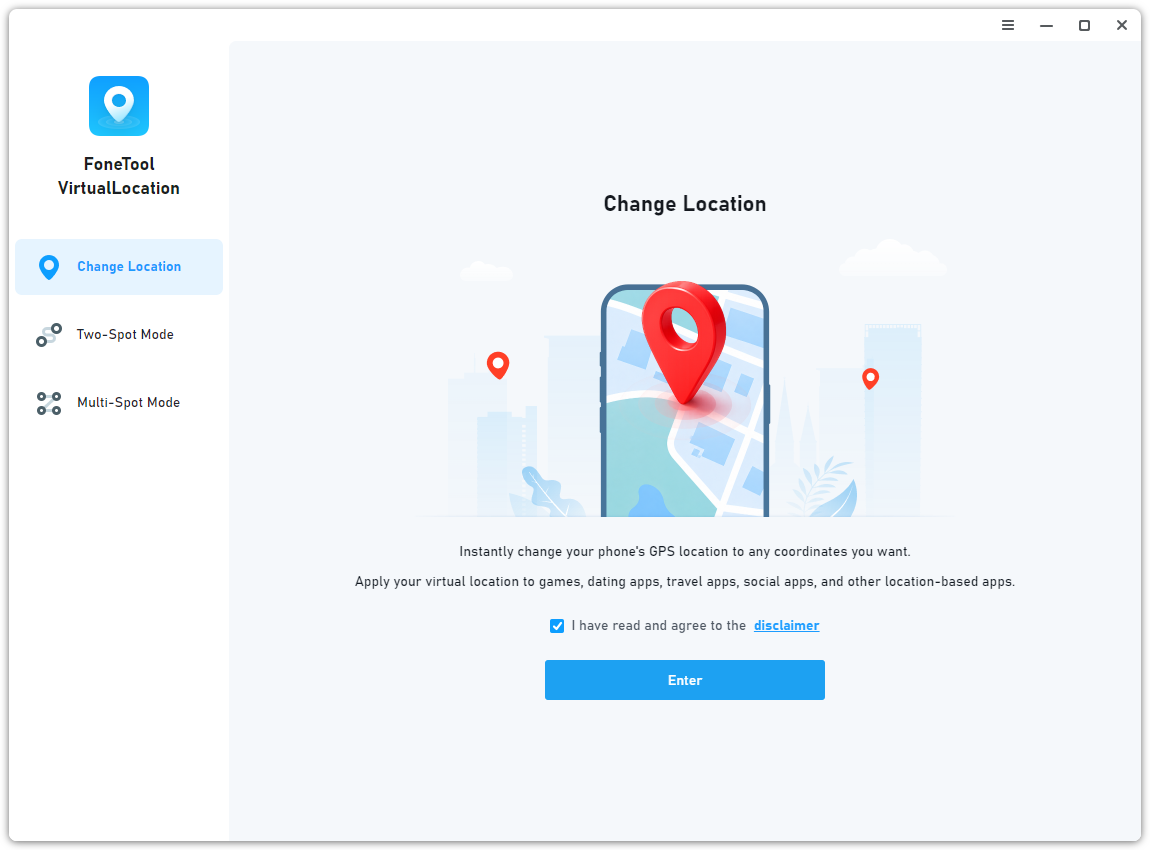
FoneTool VirtualLocation simulates GPS movement on your device. It does not modify the Pokémon GO app or interact with Niantic's servers. Always follow Pokémon GO's terms of service.
"I walk a lot for work, but on rainy days I can't get outside. Two-Spot Mode lets me set a walking route from my desk and my Eggs still get distance. It's not a replacement for actually going out, but it helps on days when I can't."
"I use Multi-Spot Mode to plan a route through my neighborhood. Set the speed, start moving, and my Buddy Pokémon earns Candy while I work. The route shows on the map so I can see where it's going."
"Adventure Sync is the main reason I use FoneTool VirtualLocation - best free Pokémon GO location changer for iOS. On weeks when I'm busy, I simulate a walking route to add distance to my weekly total. It's simple and free, which is why I chose it over other tools."
"I have mobility issues and can't walk long distances. FoneTool VirtualLocation lets me simulate a short walking route from my computer. It helps me keep my streak going on days when I physically can't go out."
Pokémon GO's terms of service prohibit GPS spoofing. Niantic's Gameplay Fairness Policy explicitly lists falsifying location as a form of cheating. Consequences can include:
Using a location changer with Pokémon GO is your decision. FoneTool VirtualLocation simulates GPS movement on your device — it does not modify the Pokémon GO app or interfere with Niantic's systems. Whether your movement is detected depends on Pokémon GO‘s own anti-cheat systems, which no third-party tool can control.
You are responsible for understanding and accepting these risks. If you choose to use FoneTool VirtualLocation with Pokémon GO, you do so at your own discretion and in accordance with the game's terms of service.
Adventure Sync is a feature that tracks your walking distance even when Pokémon GO is closed. It rewards you for walking 5 km, 25 km, or 50 km each week. Route simulation can add movement to your device‘s GPS data, but whether it registers with Adventure Sync depends on Pokémon GO's own tracking systems.
No. FoneTool VirtualLocation works without jailbreaking. For iOS 16 and later, Developer Mode is required. The app provides on-screen guidance.
FoneTool VirtualLocation changes the GPS location reported by your iPhone or iPad. It works with location-based apps, including games like Pokémon GO. However, Pokémon GO's terms of service prohibit GPS spoofing, and Niantic uses anti-cheat systems to detect it. FoneTool VirtualLocation does not interfere with any app's detection systems, and users are responsible for following each service's terms.
Yes. Use Two-Spot Mode or Multi-Spot Mode to simulate movement along a route. Set your speed with the slider, then click Start Moving. Your device's GPS location will move along the route. Note that whether your movement is registered as valid distance depends on Pokémon GO's own systems, which FoneTool VirtualLocation does not control.
Yes. Multi-Spot Mode lets you plan a longer route through several stops. Your device's GPS moves along the route, covering distance that may count toward Buddy Candy. The same caveat applies: Pokémon GO determines whether the movement registers as valid distance.
No. FoneTool VirtualLocation does not include a cooldown timer or any game-specific safety features. It is a general-purpose GPS simulation tool.
Not at this time. FoneTool VirtualLocation supports iPhone, iPad, and iPod touch.
GPS spoofing violates Pokémon GO's terms of service. Niantic uses a three-strike system, and accounts can be permanently banned. FoneTool VirtualLocation does not interfere with Niantic's detection systems and cannot guarantee you won't be detected. You are responsible for understanding and accepting this risk.
FoneTool VirtualLocation changes GPS location on iPhone/iPad. Note that Pokémon GO prohibits spoofing.
No. It is a general-purpose GPS simulation tool, not a game hack. It does not automate gameplay or modify the Pokémon GO app.