No.1 iOS System Repair Tool

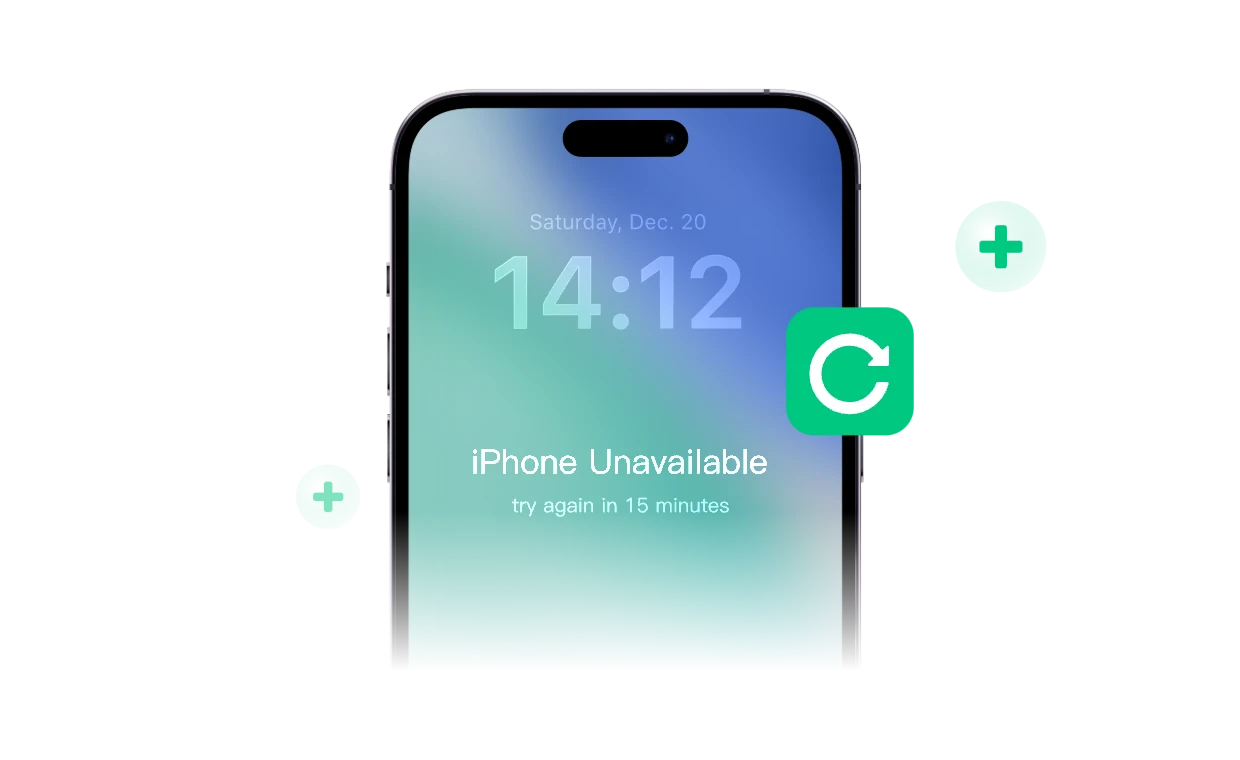
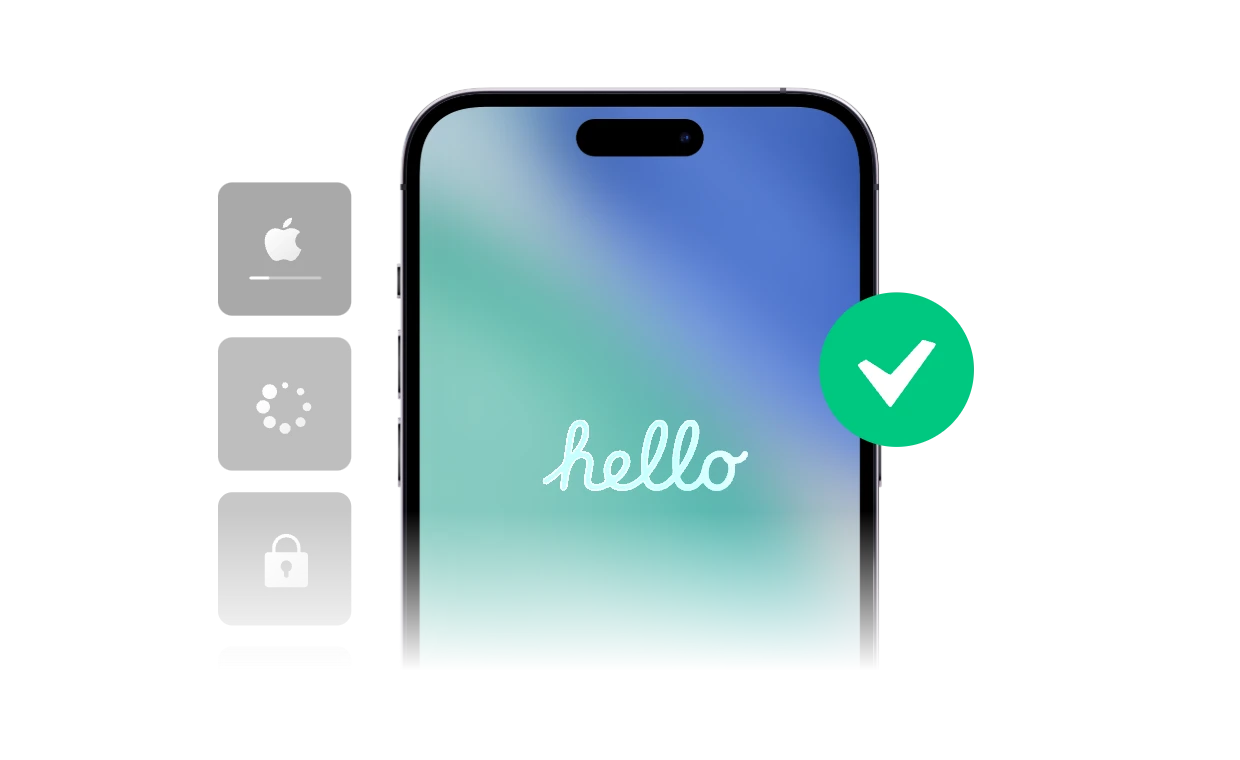
Fix iPhone stuck on Apple logo, black screen, boot loop, and more without data loss. Effortlessly upgrade/downgrade iOS, reset your devices without a passcode, and manage Recovery Mode in one click. No technical skills required.

Repair 160+ iOS System issues in Minutes

Resolve common and complex iOS problems with a few simple clicks. Get your device back to normal quickly and safely.

Upgrade or Downgrade iOS Freely, Risk-Free

Upgrade iOS/iPadOS

Update to the latest i0S/iPadOS version without iTunes or a new features and bette performance in one click

Download Freeware

Downgrade iOS/iPadOS

Easily roll back to a previous version without jailbreak or data loss. Safe, fast, and fully compatible.

Download Freeware

Two Safe Ways to Reset Your iOS Device

Standard Reset

  • Reset your device to default settings without losing data.
  • Resolve network issues, notification problems, and other minor iOS glitches.
  • Note: Your device must be unlocked to use this function.
Download Freeware

Advanced Reset

  • Wipe your device clean and restore it to factory settings.
  • Perfect for fixing forgotten passcode, crashes, and freezes.
  • This function also updates your device to the latest iOS/iPadOS version.
Download Freeware

One-Click Recovery & DFU Mode Management

  • Enter Recovery/DFU Mode

    Resolve device lag, inability to shut down, and other issues by entering recovery or DFU mode. Choose one-click recovery for simplicity or follow the guided tutorial for DFU mode.

    Download Freeware
  • Exit Recovery/DFU Mode

    Quickly get your device out of recovery or DFU mode. Use one-click exit for fast resolution or follow the tutorial to safely exit DFU mode without risk.

    Download Freeware

Why Choose FoneTool Repair

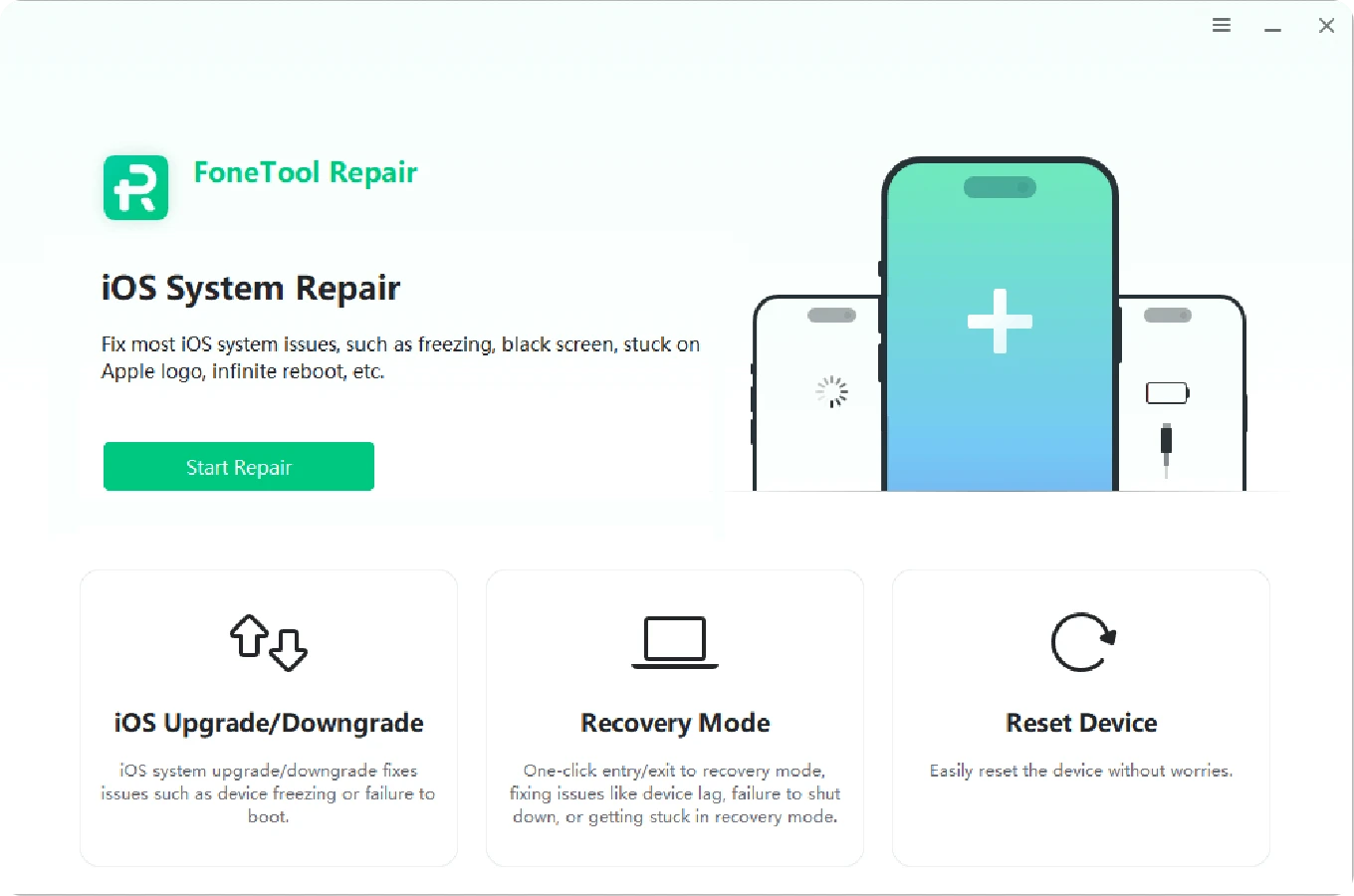
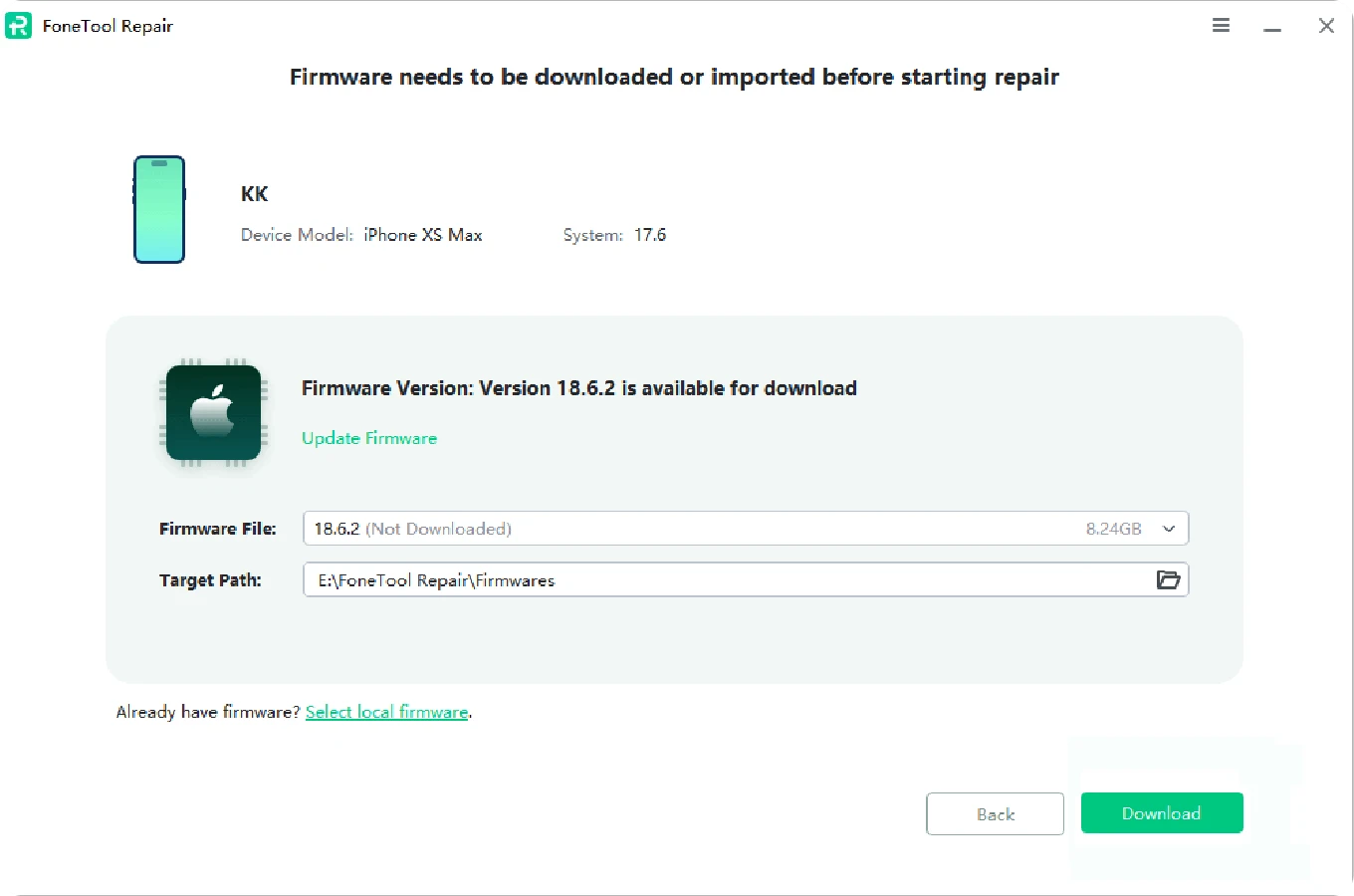
3 Easy Steps to Fix Your iOS System Issue

  • Step 1 Step 1

    Step 1.

    Choose an iOS system repair mode.

  • Step 2 Step 2

    Step 2.

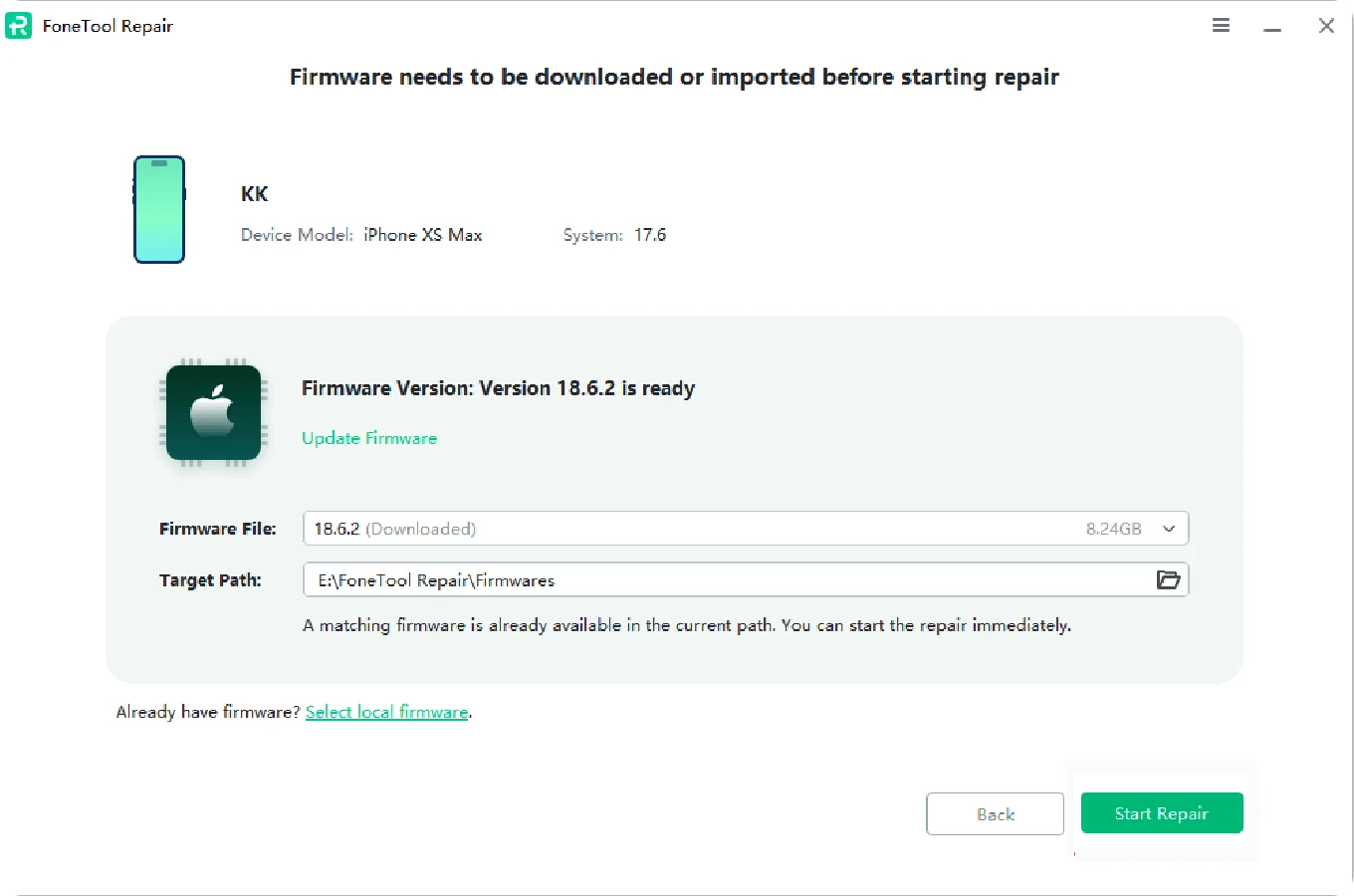
    Download the firmware before starting repair.

  • Step 3 Step 3

    Step 3.

    Start repairing your iOS issues.

Broad Device & System Compatibility

Support Most Media Files

  • iPhone 4/5/6/SE/7/8/X/11/12/13/14/15/16/17
  • iPad /iPad mini/iPad Air/iPad Pro
  • iPod Touch 1/2/3/4/5/6/7
  • iOS 9 - iOS 26

All Windows PC Compatible

  • Microsoft Windows 7/8/8.1/10/11 (all editions, 32-bit and 64-bit)
  • Microsoft Windows Server 2025/2022/2019/2016/2012/2012 R2 (all editions)
  • Windows Home Server 2011/Windows Small Business Server 2011

Trusted & Loved By People

My iPhone was stuck on the Apple logo after an update. FoneTool Repair fixed it in less than 10 minutes, and I didn't lose a single photo. Truly a lifesaver!

Emma L., USA

I'm not tech-savvy, but this tool was so easy to use. Just a few clicks and my iPad was back to normal. User-friendly and reliable.

David R., UK

I had tried iTunes and nothing worked. FoneTool Repair solved the boot loop instantly. Way simpler than any other iOS system repair I've used.

Lucas M., Canada

Excellent! My iPhone kept restarting again and again. With Standard Mode, it was repaired without wiping my data. The best free iOS system repair software I've ever used.

Sophia K., Germany

Reliable and trustworthy. I like that it's developed by certified teams, and it really feels secure to use. Fixed my ‘frozen screen' issue in one try.

Hiroshi T., Japan

Great experience! I've tried other repair tools before, but none worked this smoothly.

Olivia M., Australia 🇦

Frequently Asked Questions

  • Is FoneTool Repair safe to use?

    Yes, FoneTool Repair is safe and developed by a certified team .Each step comes with clear instructions and reminders, so you'll always know what to do.

  • How do l use this iOS system repair tool?

    Start by defining the type of error you are currently experiencing. If you encounter an error while updating or restoring your iPhone/iPad/iPod, you can try several repair suggestions provided by Apple Support first:
    1.Update your Mac or PC
    2.Connect your device directly to your computer
    3.Restart your PC and devices
    4.Check your computer's security software
    5.Use a different computer
    If the above methods can't solve your problem, FoneTool Repair is the ultimate means to help you fix the error 100% successfully.

  • Can hardware issues be fixed by FoneTool Repair?

    No. FoneTool Repair can fix most iOS system issues, such as black screen, app crash, Apple icon stuck, etc. However, if your iPhone and iPad have hardware issues due to physical damage, we recommend contacting Apple Support or visiting an authorized repair center.

  • Will repairing my iPhone with FoneTool erase my data?

    FoneTool Repair is designed to fix most iOS issues safely without affecting your data. In rare cases, certain repairs may require a system reset, which could lead to data loss. Therefore, we strongly recommend using FoneTool to backup your iPhone data before any repair. While no tool can offer a 100% no-risk guarantee for all scenarios, our primary goal is to fix your device while preserving your data.

FoneTool Repair

No more iPhone freezes. Just one-click fixes.