Most Apple ID issues fall into a few common scenarios. Find yours below and follow the recommended steps.
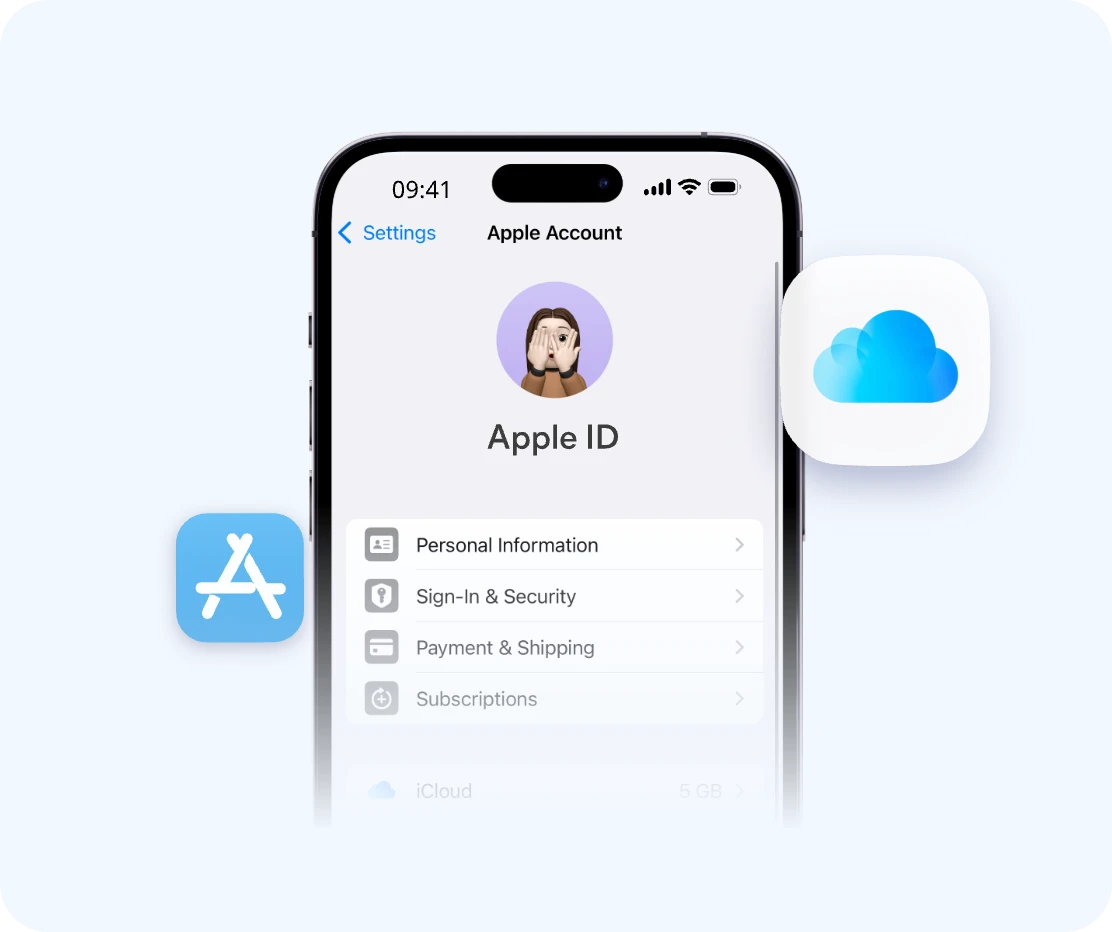
Go to Settings → Apple Account → Sign-In & Security → Change Password.
Visit iforgot.apple.com, enter your Apple ID email, and follow the recovery steps.
If you don’t have access to trusted devices, Apple may require account recovery verification.
You need access to trusted phone number or device when possible.
Recovery can take several hours to several days, depending on how quickly you can verify your identity and Apple's verification queue at that time.
iPhone Settings (tap your name at the top — the email is shown there if you're still signed in)
App Store account section
Apple Music or iCloud login screens
Family Sharing members list (ask a family member to check)
Any old Apple devices you still own (check Settings → Apple ID)
Try Apple account recovery. Apple may verify identity using trusted phone number or device.
Check any logged-in device. If any Apple device is still signed in, you may retrieve account details.
Contact Apple Support. You may need proof of ownership.
IMEI is clean and not reported lost or stolen
Apple ID is signed out
Find My iPhone is disabled
Activation Lock is OFF
Battery health is acceptable (≥80%)
Face ID / Touch ID works properly
Cameras and speakers function correctly
No carrier lock restrictions
Always reset the device in front of the seller and ensure it boots to the “Hello” screen without Apple ID request.
If you've already bought a locked iPhone, FoneTool Unlocker can assist you in removing the Activation Lock without the previous owner's password.
A quick inspection can help you avoid most Apple ID and Activation Lock problems.
Verify the device is not blacklisted, stolen, or has unpaid financing.
Ensure the previous owner has fully signed out of their Apple ID and turned off Find My iPhone.
During setup, the phone should NOT request a previous Apple ID.
Make sure key components work:
Ask the seller to reset the device in front of you. After reset, it should start at the "Hello" screen without any Apple ID request.
Activation Lock is an Apple security feature designed to prevent unauthorized use. It's meant to protect you, but scammers use it to lock up used iPhones and sell them to unsuspecting buyers.
The iPhone cannot be activated after reset without the previous owner's Apple ID and password. The device is unusable.
Seller refuses to sign out, Find My iPhone can't be disabled, or device still asks for Apple ID after reset.
When standard Apple recovery methods are not enough, FoneTool Unlocker is designed to help with Apple ID-related access problems on supported devices.
Works even if you don't know the email or password.
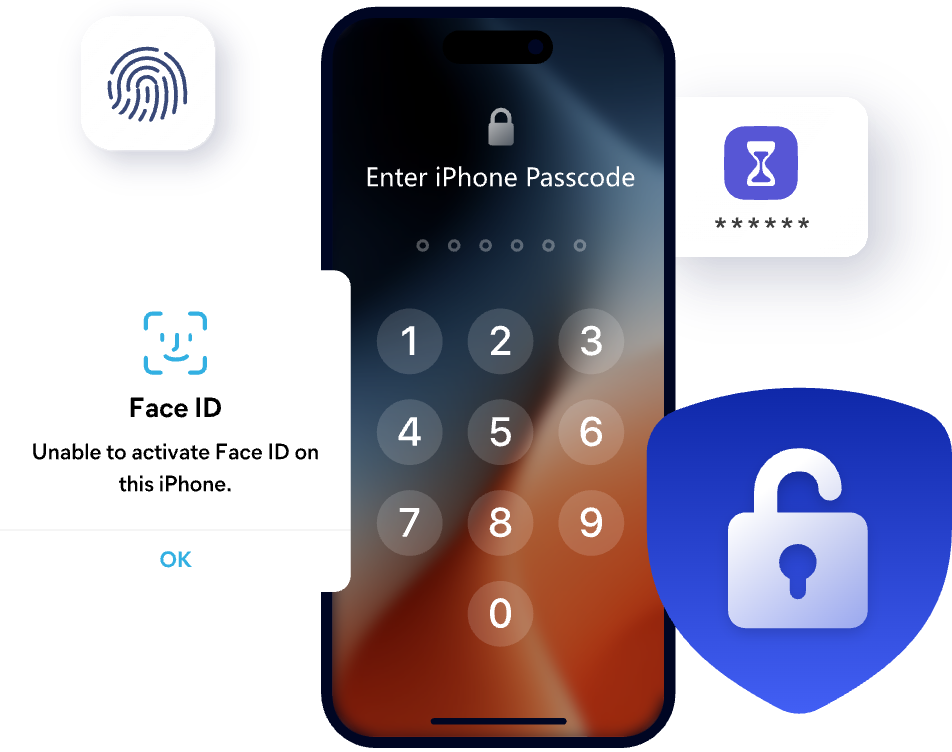
Remove 4-digit, 6-digit, Face ID, and Touch ID locks when you're locked out of your iPhone.
Bypass iCloud Activation Lock and regain access to your device.
Simple interface designed for everyday users.
Start the unlocking process in just a few steps.
| Method | Best For | Difficulty | Time Required |
|---|---|---|---|
|
Locked or inaccessible
devices
Easy
Fast
|
|||
| Trusted Device Reset | Known Apple ID | Easy | Minutes |
| Apple iForgot | Password recovery | Medium | Minutes to hours |
| Account Recovery | No access to device | Hard | 24 hours to several days |
| Apple Support | Ownership verification | Medium | Varies (days to weeks) |
Apple's Account Recovery is the only official option but can take days. For a faster fix, FoneTool Unlocker removes the Apple ID directly without needing your phone number.
Check Settings on any signed-in Apple device, or ask Family Sharing members. If you still can't remember Apple ID email, FoneTool Unlocker can remove the account without it.
Only if you provide proof of ownership (receipt with serial number). Otherwise, FoneTool Unlocker can bypass Activation Lock on a used iPhone.
Check iCloud status (Find My OFF), Activation Lock disabled, IMEI clean, battery health ≥80%, and test all hardware. Use a full used iPhone inspection checklist.
After a reset, if it asks for a previous Apple ID and password during setup, it's locked. Always check this before buying a used iPhone.
No, it actually triggers Activation Lock if Find My was on. The device will still ask for the original Apple ID after reset.
Yes, if the seller didn't sign out and disable Find My. Always verify Apple ID removal as part of your used iPhone inspection.
Ensure Find My is OFF, Activation Lock disabled, IMEI not blacklisted, and it boots to the Hello screen without asking for an Apple ID. Always check iPhone before buying.
From forgotten Apple IDs and passwords to activation lock and used iPhone issues, FoneTool Unlocker offers reliable solutions for common iPhone access situations.