Re-upload will clear the picture list and return to the home page. Please confirm that the converted pictures have been downloaded.

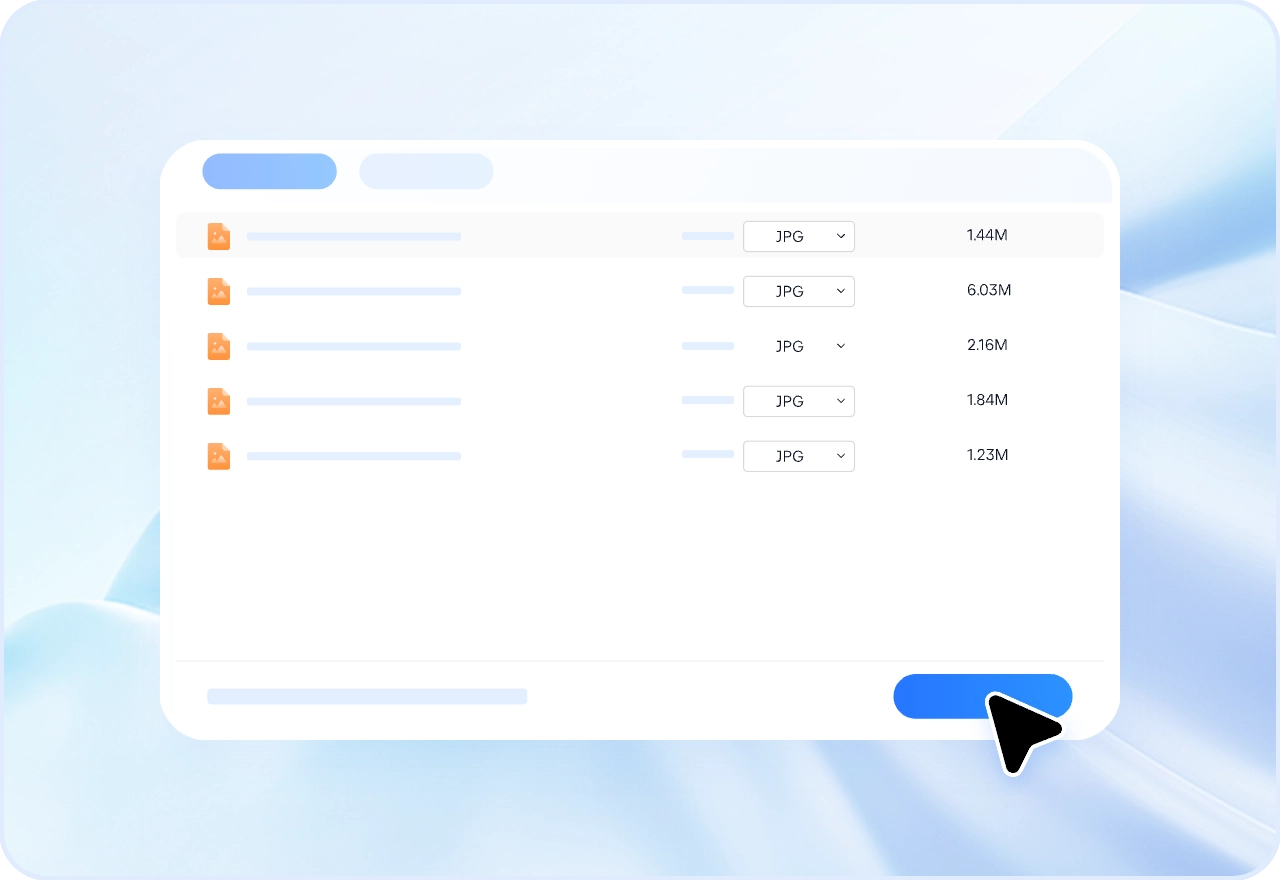
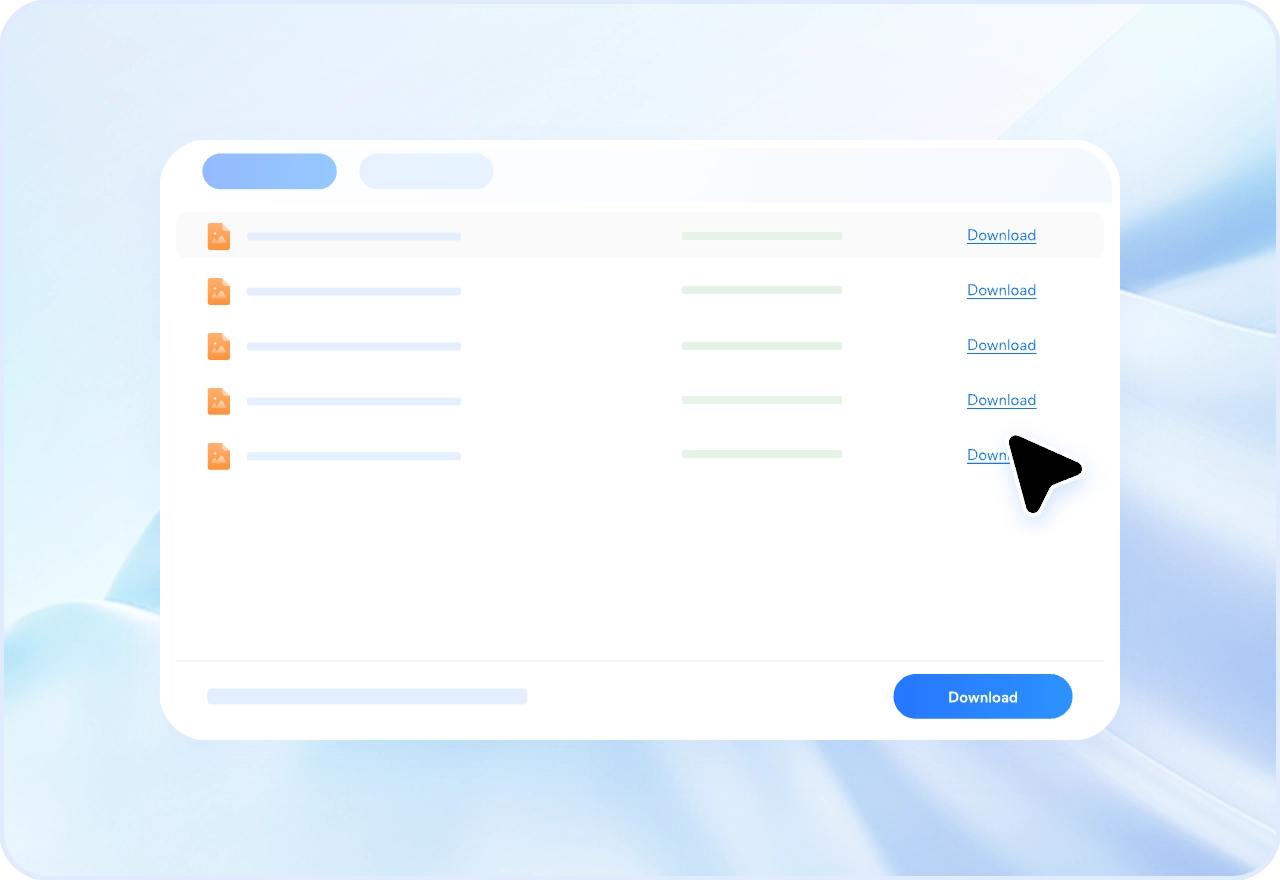
How to Convert HEIC to JPG in 3 Easy Steps?

  • Step 1

    Step 1.

    Upload HEIC images.

  • Step 2

    Step 2.

    Choose format to start conversion

  • Step 3

    Step 3.

    Download JPG/JPEG/PNG images

What Our Users Say?

Just used this free HEIC to JPG converter - it is fast and keeps the photo quality perfect! Highly recommended!

Ryan Carter

Super easy to convert HEIC to JPG online with zero hassle, thankfully no additional installer is required. It's amazing.

Ryan Carter

No more compatibility issues! It helped me convert my HEIC file to a perfect PNG online in seconds.

Emily Parker

This HEIC to JPG converter saved the pictures I took on my iPhone! Works quickly and makes my photos clear.

Quentin

FoneTool HEIC Converter

Use our free online and desktop version of HEIC to JPG converter. Fast batch conversion, high-quality output, 100% secure.

Download Freeware
Learn More >>