Exclusive technology
You don't have to worry about violating your privacy. 100% free of malware or other threats.
FoneTool Repair
Download Freeware
Windows 11/10/8.1/8/7

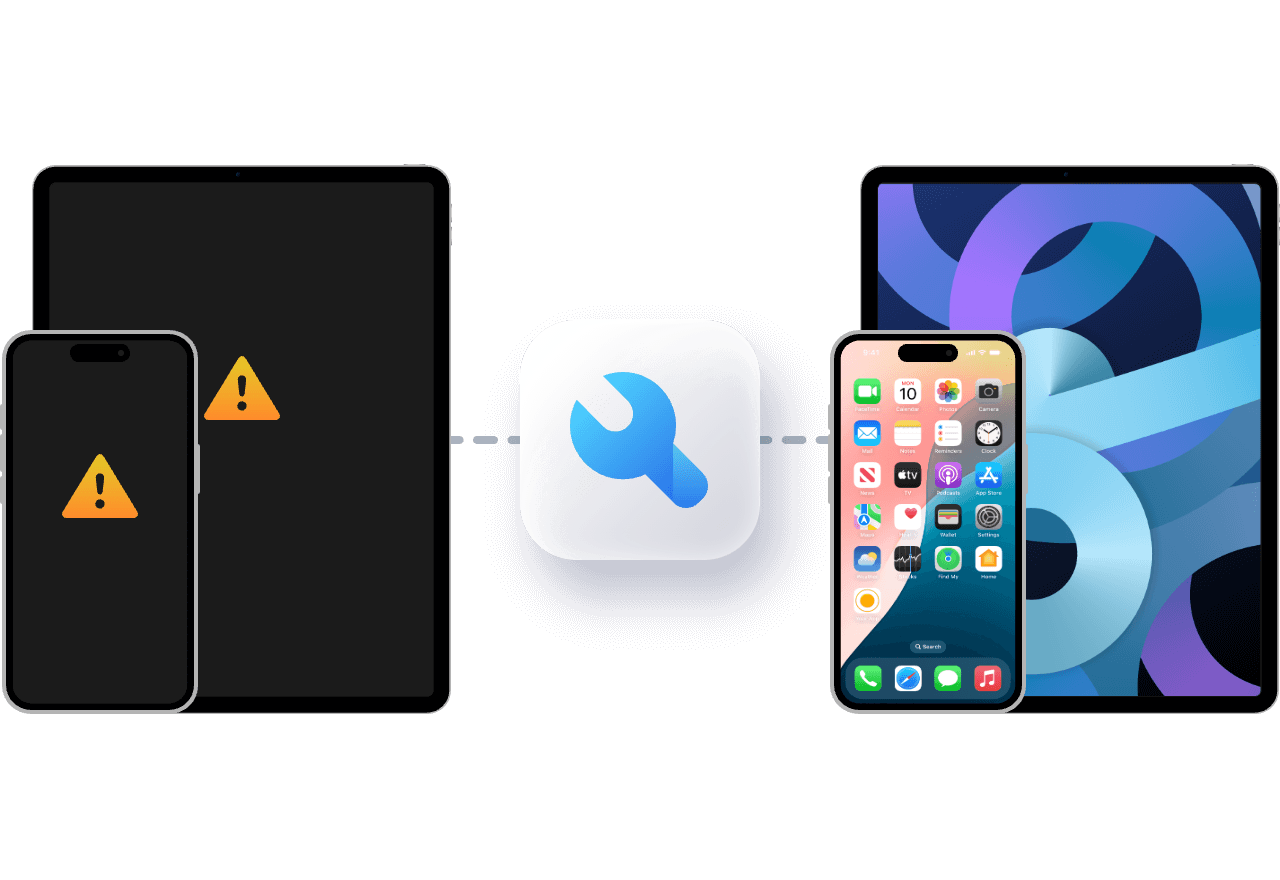
iPhone keeps restarting or stuck on Apple icon? FoneTool Repair easily fixes 160+ iOS system issues without any technique. Recover your iOS device with ease!
iPhone Disabled

Stuck on Apple Logo

Won’t Turn On
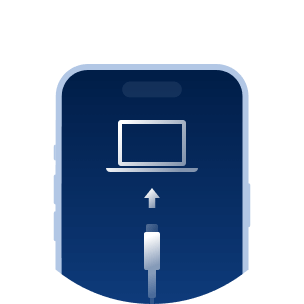
Stuck in Recovery Mode

White/Black Screen

Boot Loop

iPhone Update Failure

Frozen Screen
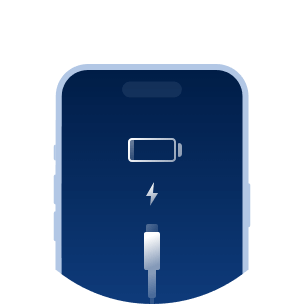
Battery Drain

Won’t Backup&Restore

Headphone Mode Stuck
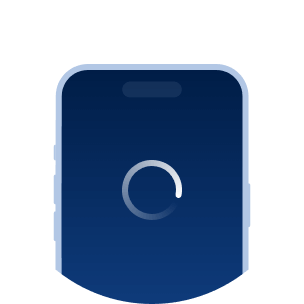
Stuck in Spinning Circle
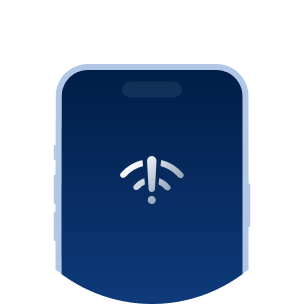
Can't Connect

No Service

More iOS Issues
When your iPhone, iPad, iPod is not working, FoneTool Repair provides comprehensive solutions to fix your problem with ease.
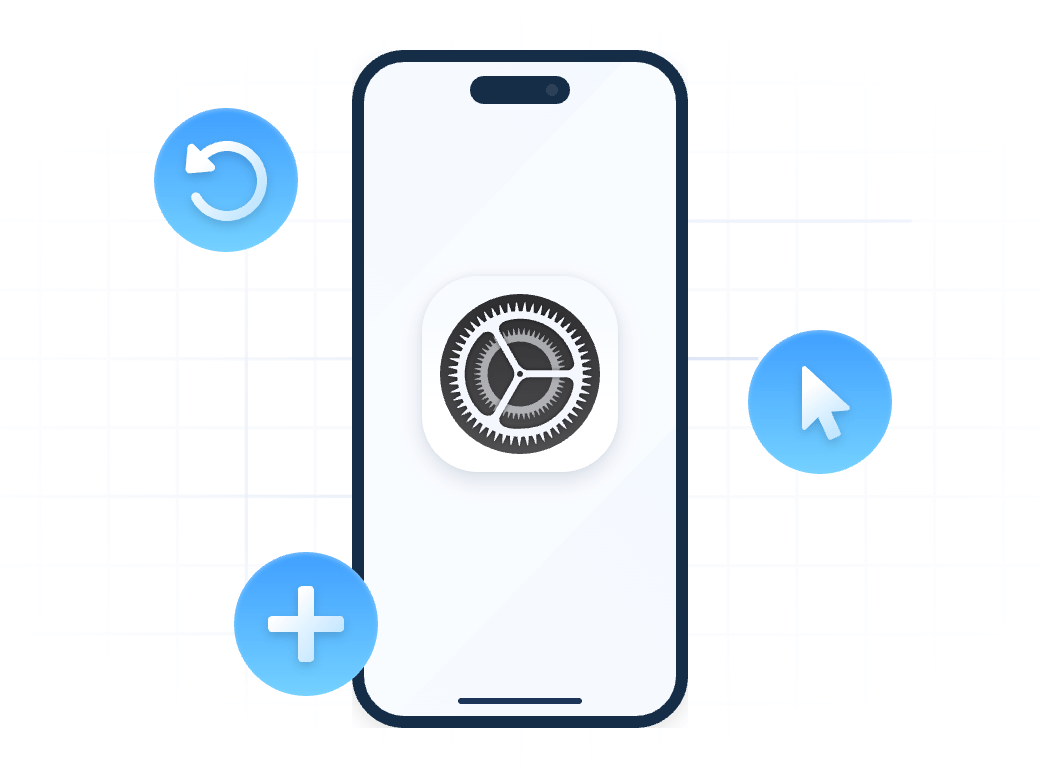
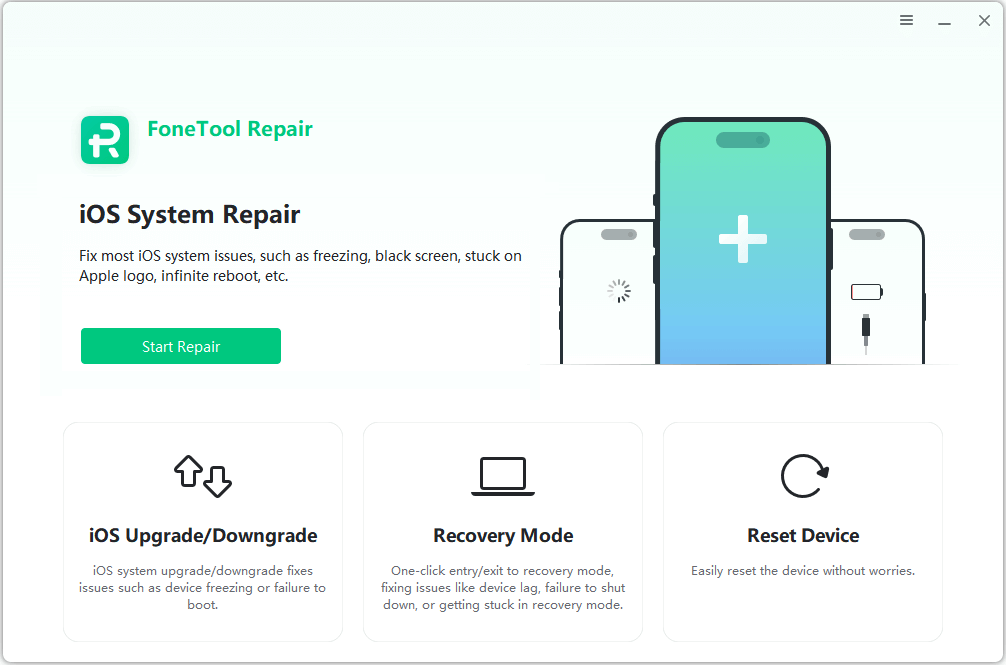
FoneTool Repair saves you all the hassle of finding the right firmware to flash your iOS device. With this tool, you can fix your iOS and iPad OS systems with just a few clicks. Keep your Apple devices running smoothly and efficiently without any hassle.
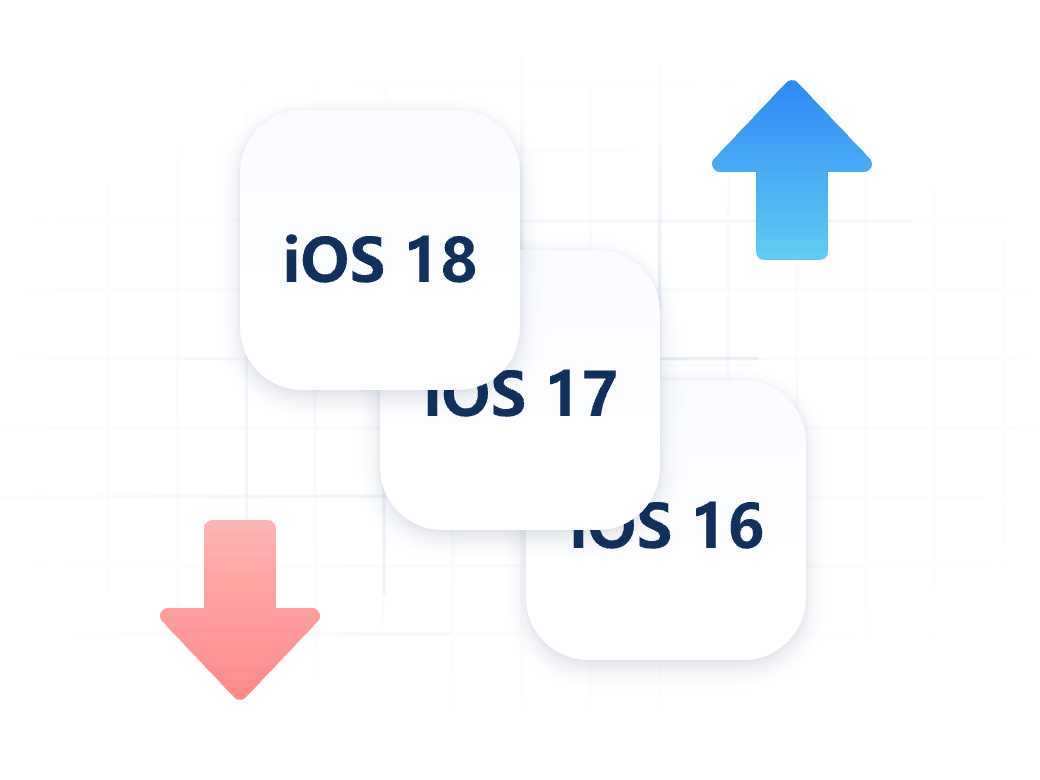
You can upgrade or downgrade iOS/iPadOS without jailbreaking or iTunes Even if you don't have a developer or program account, you can easily upgrade to the latest iOS 27, FoneTool gives you the chance to regret and easily downgrade to iOS 18.
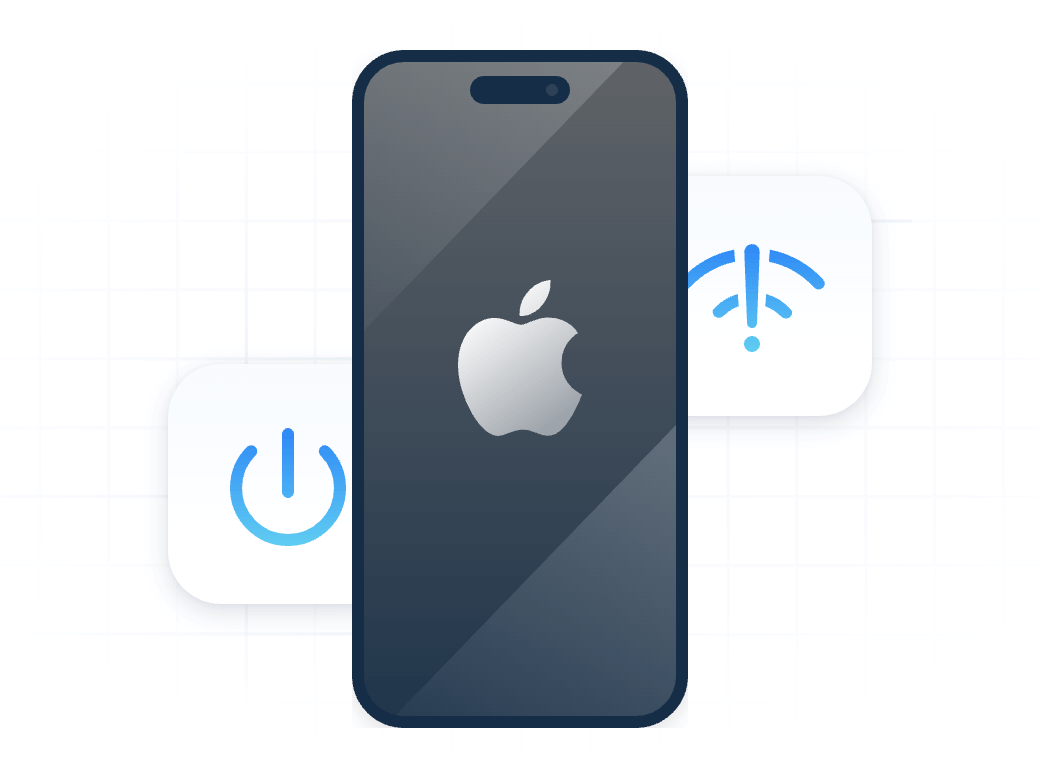
FoneTool Repair provides you with two ways to reset your Apple device, you can restore it to default settings or reset it to factory settings. Fix most iOS system issues like iPhone freezing, crashing, etc. in one click.
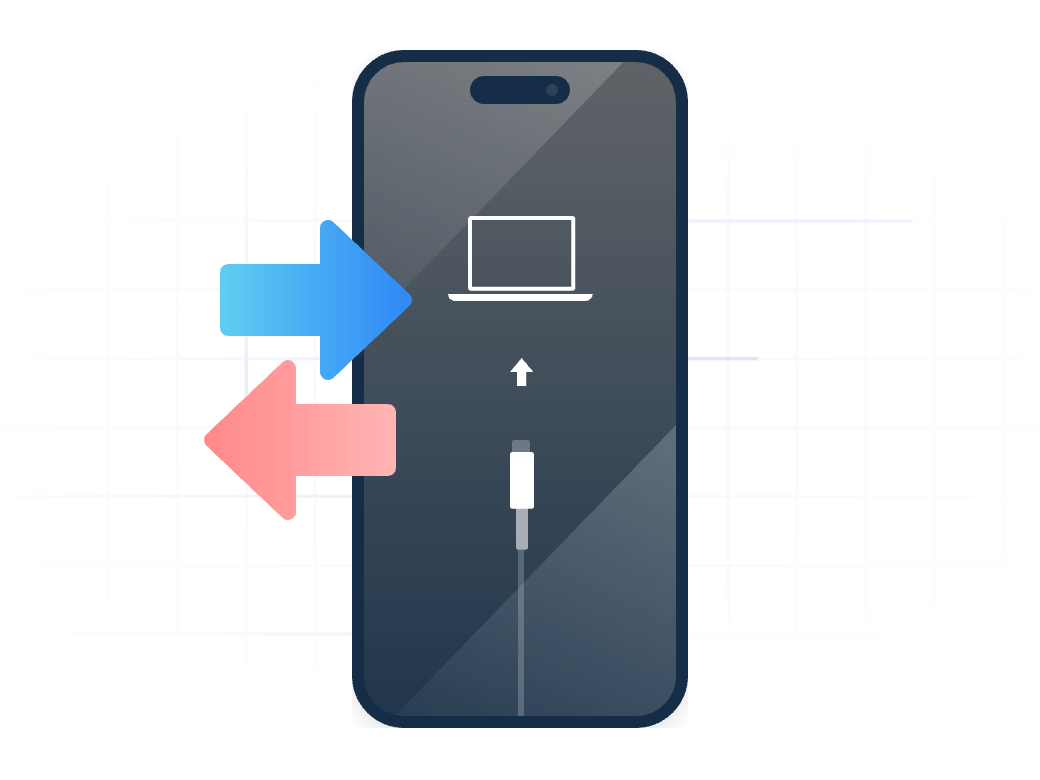
Can't enter/exit recovery mode? FoneTool Repair offers a one-click solution to enter and exit iPhone recovery mode with ease. No complicated key combinations, no risk - just one click!
FoneTool Repair is one of the most advanced iOS system repair software, ensuring that you get the easiest, smartest, and safest solution.
You don't have to worry about violating your privacy. 100% free of malware or other threats.
No technical knowledge is required, and with just a few clicks, you can easily fix iOS/iPadOS issues.
FoneTool Repair is developed by Apple and Microsoft certification teams, please rest assured to leave all your iOS system problems to it.
It has more than 3 million satisfied customers worldwide.
Choose an iOS system repair mode.
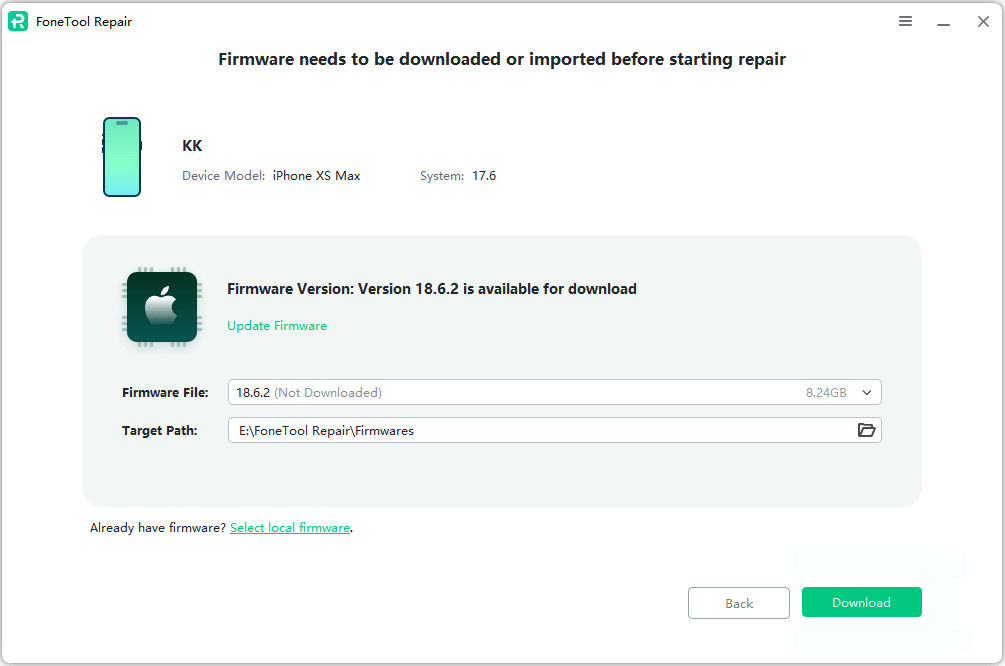
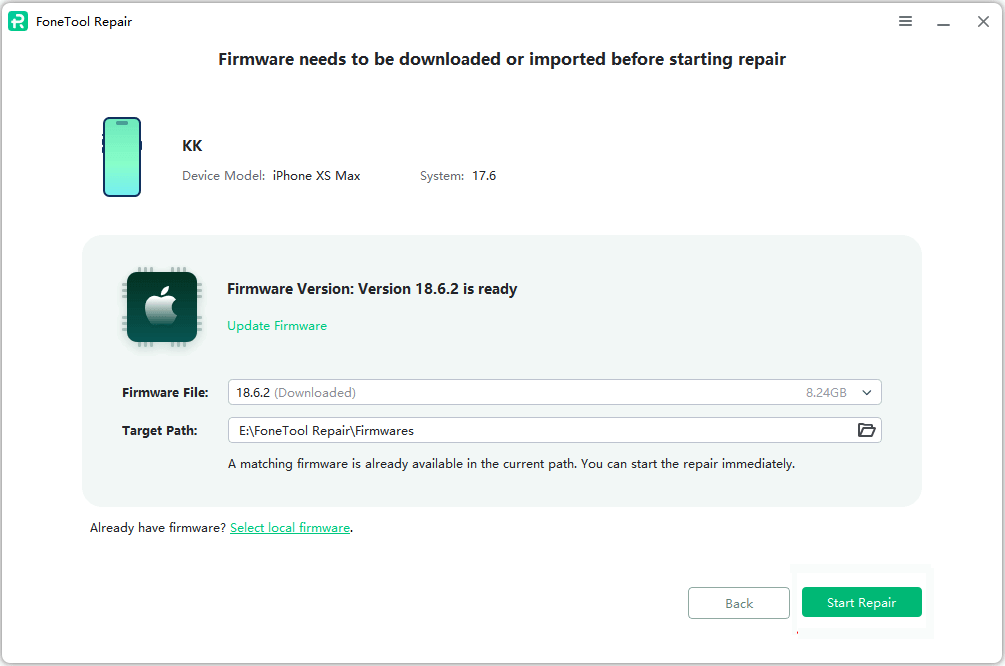
Download the firmware before starting repair.
Start repairing your iOS issues.
Download Freeware
Windows 11/10/8.1/8/7 Support The Latest iOS
 All Windows PC Compatible

FoneTool Repair fixed my iPhone 15, which was stuck on the Apple logo. I’m so grateful!
Just one click helped me exit recovery mode. FoneTool Repair is a lifesaver!
After using FoneTool Repair, my phone stopped overheating. It's a game changer!
Of course, FoneTool Repair is completely safe. There are clear instructions and precautions in the steps you take to perform a system repair, so you can use it with confidence. Rest assured, your iDevices are completely safe when instructed to do so.
Start by defining the type of error you are currently experiencing. If you encounter an
error while updating or restoring your iPhone/iPad/iPod, you can try several repair
suggestions provided by Apple Support first:
1. Update your Mac or PC
2. Connect your device directly to your computer
3. Restart your PC and devices
4. Check your computer's security software
5. Use a different computer
If the above methods can't solve your problem, FoneTool Repair is the ultimate means to help
you fix the error 100% successfully.
No. FoneTool Repair can fix most iOS system issues, such as black screen, app crash, Apple icon stuck, etc. However, if your iPhone and iPad have hardware issues due to physical damage, you can't fix it with this software.
Data loss is possible during resets. It is recommended that FoneTool be used to make a backup before repairing it. No tool on the market can guarantee to fix iOS system without losing any data.
Absolutely yes! It is a freeware for you to use FoneTool to back up or transfer photos, music, videos, contacts, and messages from iPhone to PC.
You can use the free edition to experience.
Real-time delivery. Usually, once your order is processed successfully, the download link, license code and an electronic invoice of the software will be immediately sent to your email.
Of course! We provide technical support for every user of our products, including paid products, trial versions and freeware.
Minor updates are free. For the major upgrades, you only need to pay a small amount of upgrade fee to enjoy the full set of advantages of later new versions. If you have already purchased "Lifetime Upgrades" before, you can upgrade to the latest version without extra pay in the future.
If you haven’t pay yet, you can go to your cart and remove our product. If you already paid, you need to contact us and you can get a refund. For more information, please refer to the Refund Policy.
We offer 90-Day Unconditional Money Back Guarantee. If you are not completely satisfied with the product you purchased from us, you should notify us within 90 days from the date of the purchase and we will provide you with a full refund. When you request a refund, our customer service representatives may inquire the reason for your refund so we can improve our products and our customer experience.
Powerful iOS system repair tool fix any system issue with one click. Upgrade, downgrade, or reset iOS devices with confidence, no tech skills needed.
Safe | Stable | Simple
Access, manage and transfer iPhone personal data to/from Android phone or another iOS device.
Access, manage and transfer Android personal data to/from iPhone or another Android phone.
Safe | Stable | Simple