How to Unlock a Vodafone iPhone | 2026 Complete Guide
This guide explains Vodafone iPhone unlocking. Compare free official requests, faster third-party IMEI services, and tools like FoneTool for passcode/Apple ID locks. Includes FAQs and clear steps.


If you've ever tried to use a different SIM card in your Vodafone iPhone only to see a "SIM Not Supported" error, you've encountered a network lock. This restriction, applied by Vodafone, ties your device to their network. Unlocking it is the key to switching carriers, using local SIMs abroad, or increasing your phone's resale value. This comprehensive guide explains all legitimate methods to unlock your Vodafone iPhone, from the official free process to reliable alternatives.
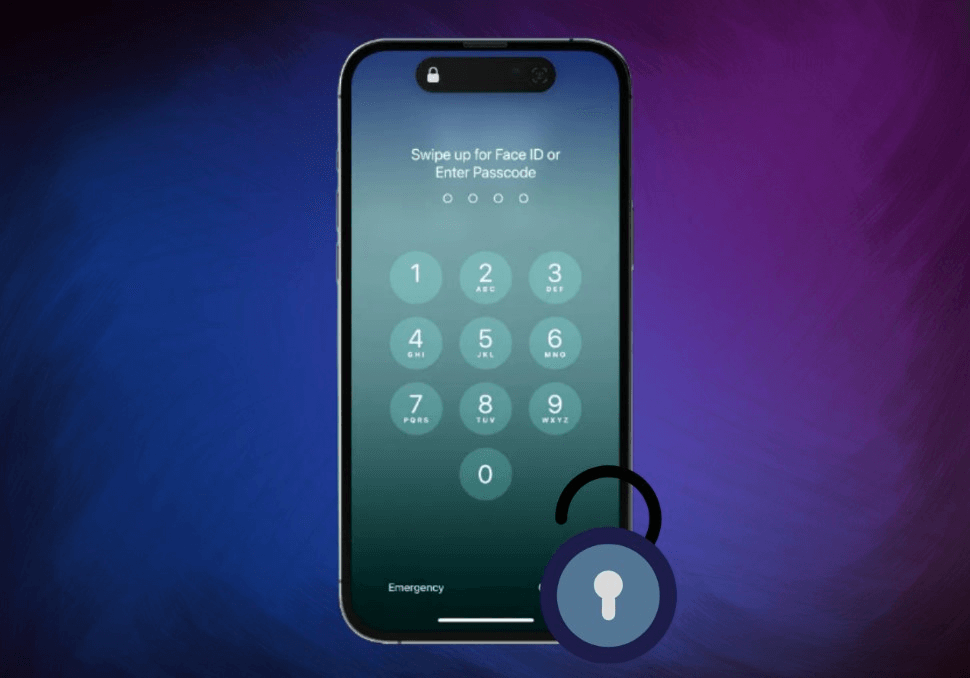
What Does "Vodafone iPhone Unlocked" Mean?
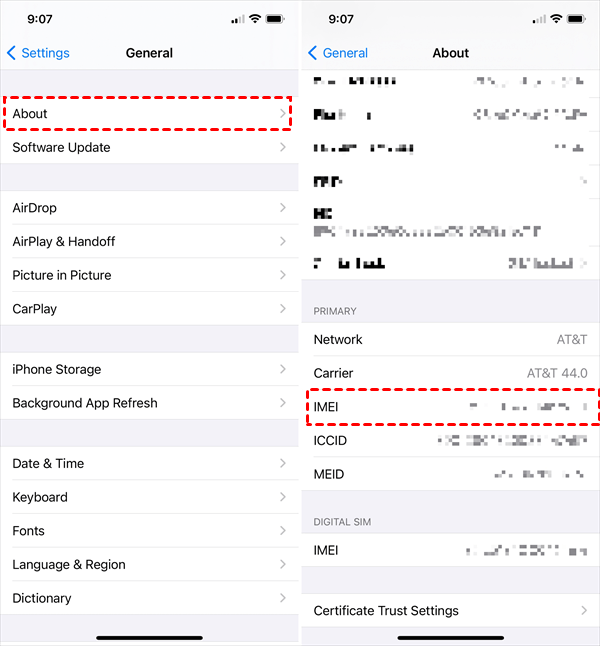
A Vodafone iPhone is "unlocked" when the software restriction binding it to Vodafone's network is removed. Once unlocked, you can insert a SIM card from any compatible carrier worldwide, and the phone will work immediately. Before proceeding, check your lock status by going to Settings > General > About and looking for "Carrier Lock." If it says "No SIM restrictions," your iPhone is already unlocked.
Method 1.The Official Route -Request from Vodafone
The most legitimate method is to request the unlock directly from Vodafone. This is typically free for contract customers and for Pay-As-You-Go users after 30 days of active service.
Follow these steps to unlock via Vodafone:
Step 1. Ensure your Vodafone account is in good standing and any contract terms are fulfilled.
Step 2. Locate your iPhone's 15-digit IMEI number by dialing *#06# or going to Settings > General > About.
Step 3. Contact Vodafone customer support. You can call 191 from your Vodafone handset or use the official online unlock request form on their website.
Step 4. Provide the necessary details, including your IMEI number and account information.
Step 5. Wait for confirmation. Vodafone states most unlocks are completed within 72 hours, but it can take up to 10 days. You will receive a Network Unlock Code (NUC) or confirmation that the unlock is processed.
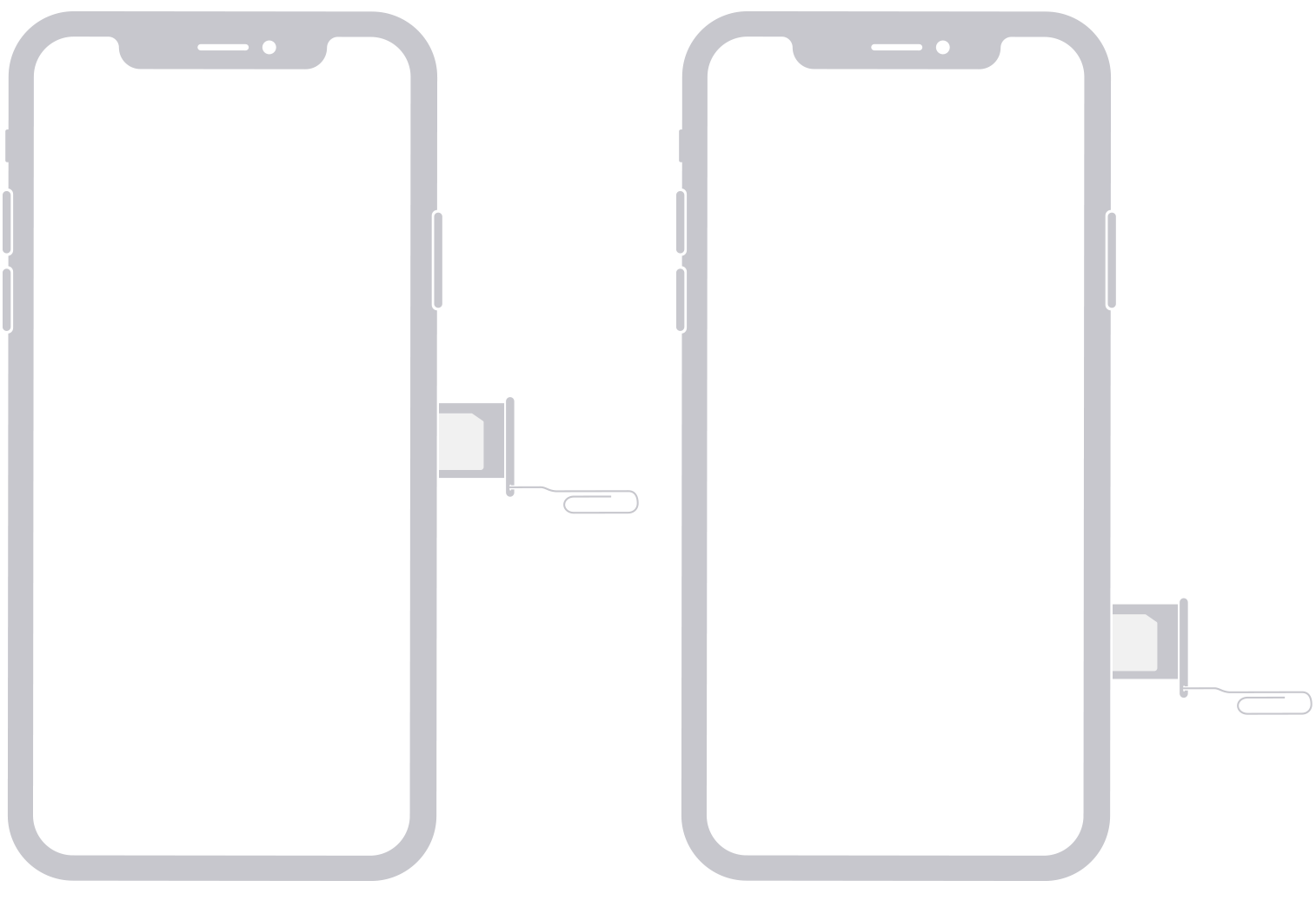
Step 6. Once notified, insert a non-Vodafone SIM card. If prompted, enter the unlock code provided by Vodafone.
Method 2.The Faster Alternative -Third-Party IMEI Service
If you are not the original owner of the iPhone, or you need a quicker solution, reputable third-party unlocking services are a viable option. These services use the same IMEI-based method carriers do.
Step 1. Choose a well-reviewed service like DirectUnlocks or Cellunlocker.
Step 2. On the service's website, select Vodafone as your carrier and enter your iPhone's IMEI number.
Step 3. The cost varies but is generally a one-time fee. You may get a money-back guarantee if the unlock fails.
Step 4. For many eligible phones, the unlock can be processed in 30 minutes to 24 hours. You'll receive a confirmation email.
Step 5. Once confirmed, insert a new SIM card. Your iPhone should automatically recognize it. If prompted, follow any final on-screen instructions.
Method 3.Using Software for Comprehensive Access
While the methods above are for network locks only, you might face a different problem: being locked out of your iPhone due to a forgotten screen passcode or an unknown Apple ID (Activation Lock). In such cases, a software tool like FoneTool Unlocker can be a powerful solution.
This tool is useful if you've purchased a used iPhone and the previous owner's Apple ID is still active, or if you've forgotten your own device's passcode.
✅ Removes Apple ID/Activation Lock without the password.
✅ Unlocks forgotten screen passcodes on a disabled iPhone.
✅ User-friendly process with step-by-step guidance.
✅ Suitable for all iPhone models and iOS versions.
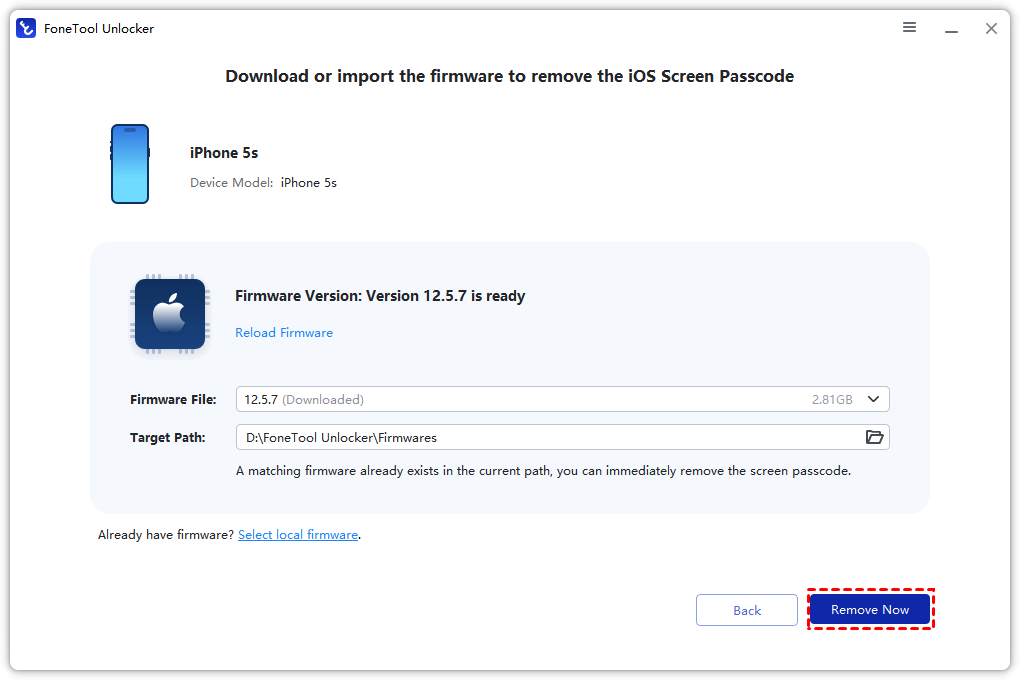
Step 1. Download and install FoneTool Unlocker on a Windows PC, launch the program and connect your locked iPhone.
Step 2. Select the function you need (e.g., "Remove Apple ID" or "Remove iOS Screen Passcode").

Step 3. Follow the on-screen instructions, and click “Next” to put your device into the required mode.
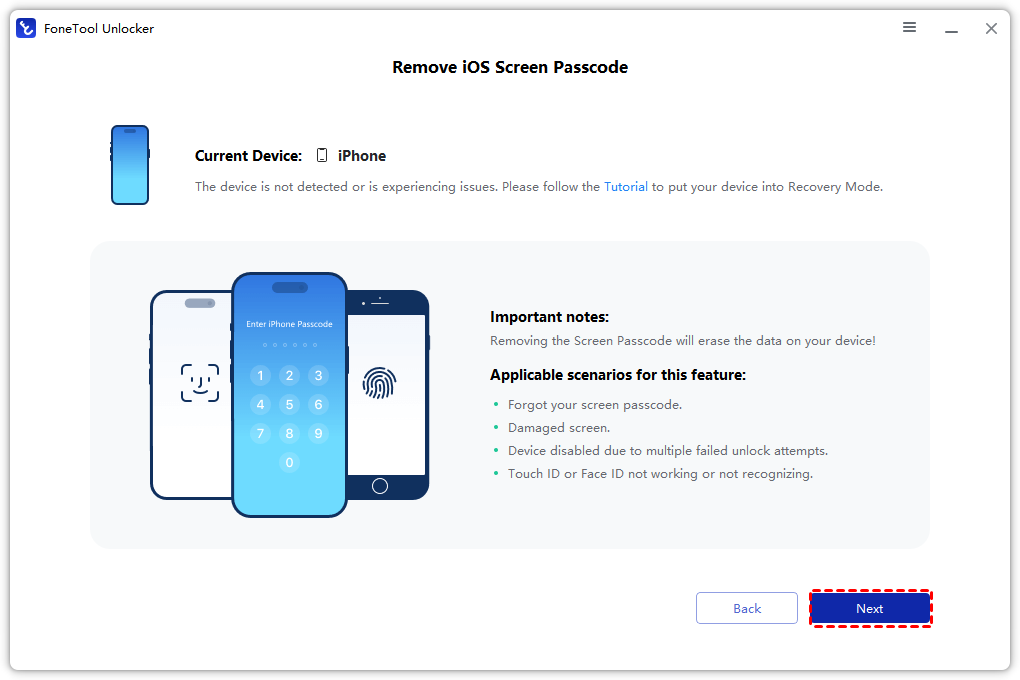
Step 4. Click the "Remove Now" button and start the process to remove the lock.
Frequently Asked Questions to Unlock iPhone
Summary
Unlocking your Vodafone iPhone opens up greater flexibility, whether you're switching to a cheaper plan, traveling, or preparing to sell your device. The official Vodafone request process is free but can be slow. For a faster guarantee, especially if you're not the original account holder, a paid third-party IMEI service is a reliable alternative.
If your primary issue is a forgotten passcode or an Activation Lock, a dedicated tool like FoneTool Unlocker can help you regain access to your device. Always ensure you have a backup of your data before proceeding with any unlock method.
FoneTool Unlocker - 1-Click iPhone Unlock Software
Easily unlock all passcodes and restrictions on your iPhone, iPad, and iPod Touch.
-
 iOS 27 Compatible
 iPhone 17 Supported
100% Secure

Kelsey is an English editor at FoneTool, passionate about helping users solve tech issues. She specializes in iPhone data management, backup, and recovery. In her free time, she enjoys learning IT skills and spending time with loved ones.
Read author info >>



 as a preferred
source on Google
as a preferred
source on Google