Best Password Manager for iPhone 2026: Free vs Premium
Looking for the best password manager for iPhone? Compare Apple Passwords, Bitwarden, 1Password, Dashlane, and NordPass to find the perfect balance of security, ease of use, price, and more that best suits your needs. Or consider a 2-in-1 alternative.


Why Password Managers Matter for iPhone Users Today?
Password managers have become essential for iPhone or iOS users because modern digital life involves dozens of accounts, increasing both security risks and login complexity. Without proper password management, users often rely on weak or repeated credentials, which significantly increases exposure to cyber threats.
📌What a Password Manager Actually Does:
- Generate strong, unique passwords automatically for every account.
- Store all credentials securely in encrypted vaults protected by a master password.
- Enable AutoFill in Safari and apps for faster and safer logins.
- Sync passwords across iPhone, iPad, and desktop devices seamlessly.
- Reduce login friction while minimizing human error and password reuse risks.
👉 Why Users Switch:
- Password reuse leads to credential stuffing attacks, where hackers try stolen logins across multiple websites.
- Data breaches frequently expose reused credentials across different platforms and services.
- Most users now manage 20 - 100+ online accounts, making manual tracking unreliable.
- Despite awareness, weak passwords like simple words or patterns are still widely used.
Key Criteria to Choose the Best Password Manager for iPhone
Choosing the best password manager for iPhone is less about brand names and more about how well the tool matches the security needs, device ecosystem, and daily usability. We’ll help you evaluate options based on what actually impacts performance and security.
Security Model (What Actually Matters):
This section focuses on the core security foundations that determine how safely your passwords are stored and protected.
- End-to-end encryption is required to ensure only you can access stored data.
- Zero-knowledge architecture prevents service providers from accessing or exposing your data.
- Independent security audits improve transparency and trustworthiness.
- Local device encryption adds a layer of protection on iPhone.
Ecosystem Fit (Apple vs Cross-Platform):
This section helps you choose based on which devices and platforms you use most frequently.
- Apple Passwords: best for Apple-only users -stay within iPhone, iPad, and Mac ecosystem.
- Bitwarden/1Password: best for users who need seamless access across multiple platforms.
- NordPass: best for users who prefer a simple cross-platform experience with minimal setup.
Feature Priority (What Users Actually Care About):
This section highlights the practical features that directly affect daily usability and long-term convenience.
- AutoFill speed and reliability for quick logins on apps and websites.
- Password sharing capabilities for families or teams.
- Passkey support for modern passwordless authentication.
- Security alerts and breach monitoring to detect compromised accounts.
- Easy migration from old passwords and existing password managers.
When Premium Features Become Worth Upgrading:
This section helps users decide when a free plan is no longer enough, and a premium upgrade makes sense.
- Advanced security monitoring (dark web monitoring, data breach monitoring, password health reports)
- Password sharing and family/team vaults with permission controls
- Emergency access and account recovery features for critical situations
- Secure encrypted file storage for sensitive documents
- Unlimited devices and sync (limited in free tiers sometimes)
- Password security scoring and auto-fix weak/reused passwords
Best Password Managers for iPhone
This section combines lightweight review signals with real-world use cases to help users choose the best password manager for iPhone based on practical needs, rather than brand names alone. These also apply to find the best password manager on iPad.
Apple Passwords (Free) - Best for Apple-Only Users / Safari Browser
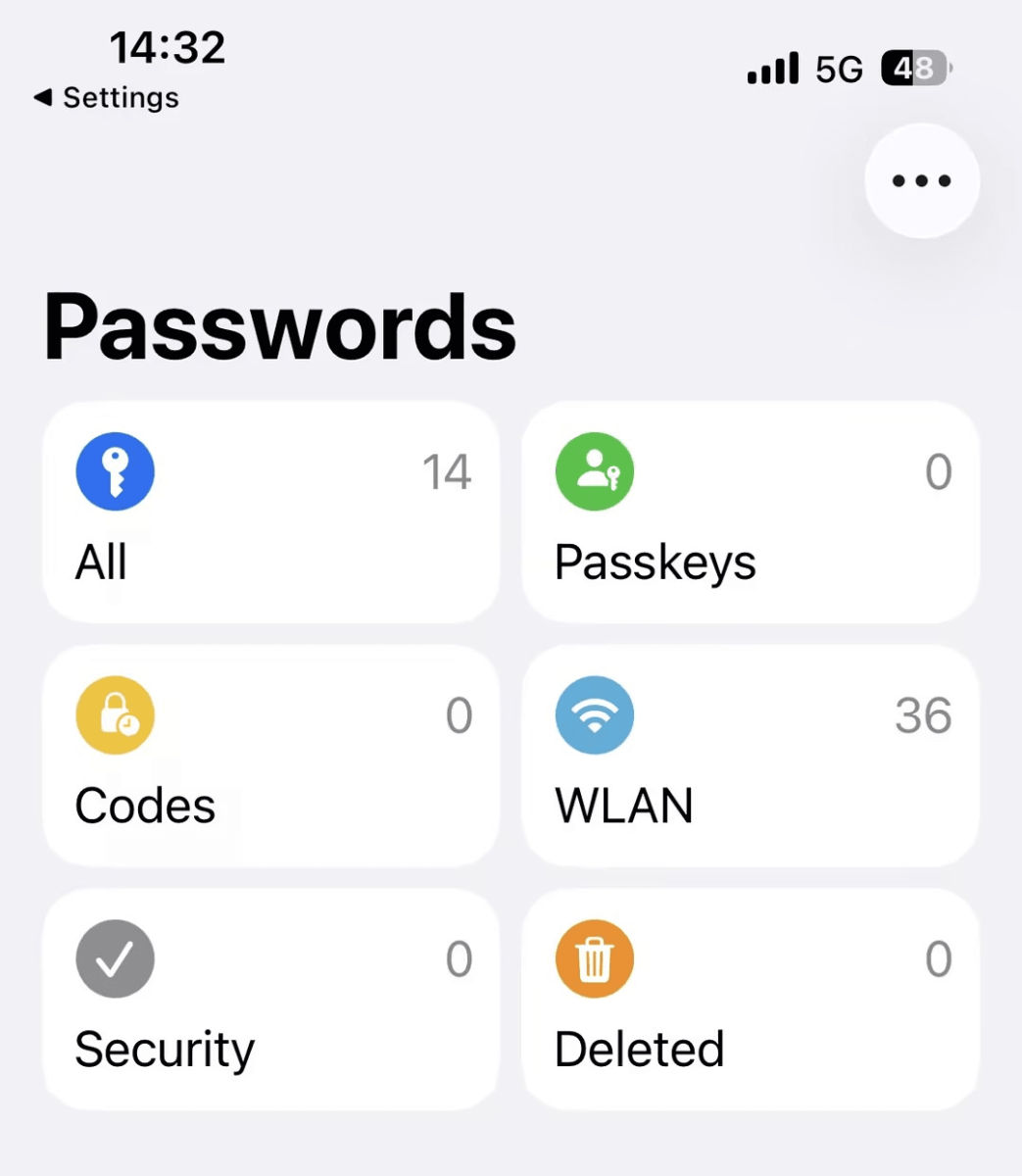
🔥 Recommendation: Best built-in solution for users fully inside the Apple ecosystem who want a simple, secure, and no-setup password management experience. It’s the most compatible iPhone Safari password manager.
✅ Review-Backed Key Points:
- Native iOS integration with no setup or installation friction
- Fastest AutoFill experience across Safari and iPhone apps
- Strong system-level encryption built into iOS security architecture
- Passkey-ready for modern passwordless login support
❌ Limitations:
- Weak cross-platform support outside Apple devices (Windows, Android, etc.)
- Limited advanced security features
👍 Best for: Apple-only users - prioritize simplicity, speed, and zero setup
Bitwarden Free - Best Free Password Manager for iPhone (Cross-Platform)
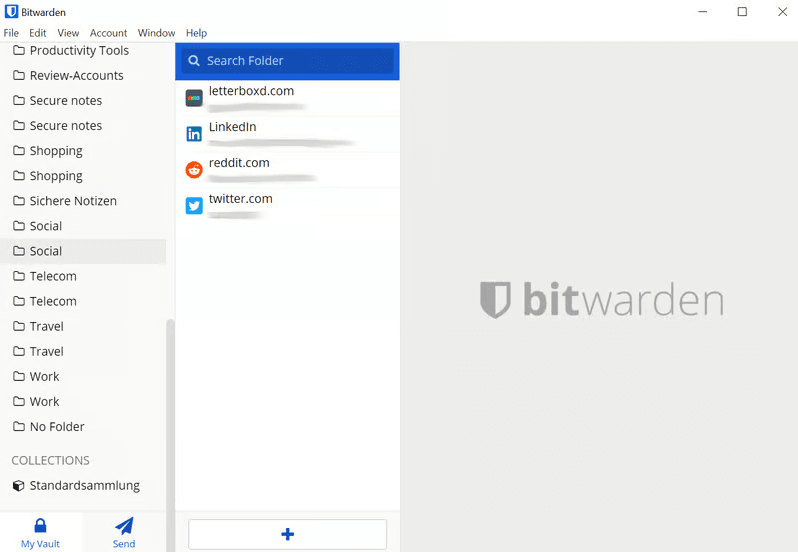
🔥 Recommendation: Also known as a free password manager for iOS, best for users who want full flexibility across devices without paying for core password management features.
✅ Review-Backed Key Points:
- Unlimited password storage across all accounts
- Supports unlimited devices for seamless syncing
- Open-source security model with strong transparency and community trust
- Reliable AutoFill performance across iPhone, iPad, Safari, and browser extensions
- Support 10 email aliases (Most free tiers lack)
- Works across major platforms including Windows, Android, Mac, and Linux
❌ Limitations:
- Less polished user interface
- Advanced security features require a paid upgrade
👍 Best for:Users who want a free, cross-platform password manager with strong security and maximum device flexibility
Bitwarden Premium - Best Budget Password Manager for iPhone
🔥 Recommendation: Best cost-effectivepremium upgrade for Bitwarden Free users who want more powerful security features without upgrading to a high-priced plan.
✅ Review-Backed Key Points:
- Password health reports that identify weak, reused, or compromised passwords
- Emergency access feature for trusted account recovery in critical situations
- Encrypted file storage for sensitive documents and secure notes
- Affordable annual pricing compared to most premium competitors
❌ Limitations: User interface is still more technical
👍 Best for: Power users upgrading from a free password manager who want stronger security features at a low cost
NordPass Premium - Best Simple Password Manager for iPhone
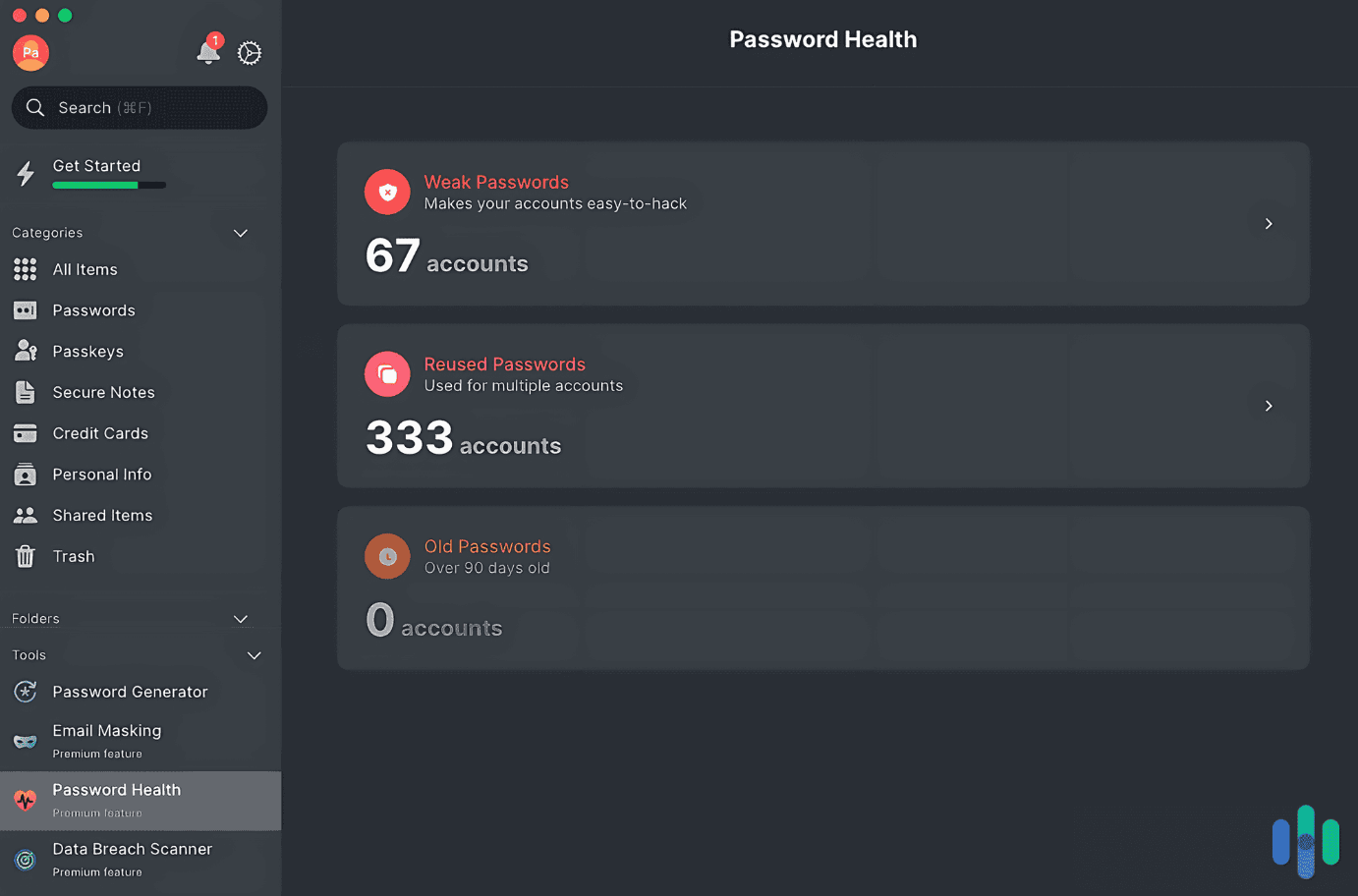
🔥 Recommendation: NordPass Premium builds on the simplicity of the free version by adding useful security insights and enhanced convenience features, making it a good upgrade for users who want more protection without added complexity.
✅ Review-Backed Key Points:
- Password health reports help identify weak, reused, or outdated passwords
- Faster and more seamless syncing across devices
- Additional security features for protecting stored credentials and sensitive information
- Maintains the clean, beginner-friendly experience while offering more advanced functionality
❌ Limitations:
- Fewer advanced security and sharing features
- May not offer enough extra value for users who only need basic password storage
👍 Best for:
- Beginners ready to upgrade from a free password manager
- Users who want stronger security insights without a complicated interface
- Individuals looking for a simple premium password management experience
1Password Individual - Best Overall Password Manager for iPhone
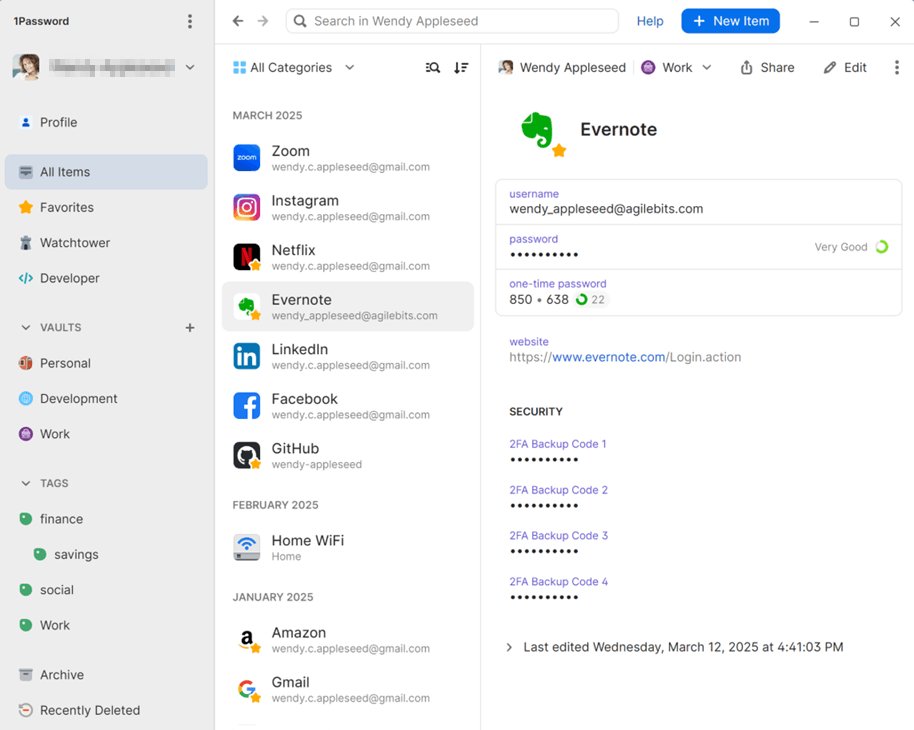
🔥 Recommendation: Best Balance of UX and Securityin thepremium solution for everyday users and professionals.
✅ Review-Backed Key Points:
- Extremely polished user experience
- Strong AutoFill performance on iOS
- Travel Mode enhances privacy protection
- Excellent cross-device synchronization
❌ Limitations:
- 14-day trial (most tiers offer a 30-day trial)
- Higher price than other premium competitors
👍 Best for: Professionals and users who want “it just works” experience. Due to the limited free trial and higher price, many users look for a 1Password alternative for iOS.
1Password Families - Best for Family (Shared Vault System)
🔥 Recommendation: 1Password Families stands out for its shared vault structure, simple family access management, and secure password sharing, making it an excellent choice for households with multiple users.
✅ Review-Backed Key Points:
- Share unlimited vaults with up to 5family members
- Store and organize passwords, passkeys, and sensitive information in shared vaults
- Control which family members can access shared vaults
- Simple tools for managing family accounts and membership
❌ Limitations:
- Higher subscription cost than individual plans
- Fewer administrative controls than business-focused plans
👍 Best for: Families and households that need secure password sharing, shared vaults, and easy family account management.
Dashlane Premium - Best for Proactive Security Monitoring
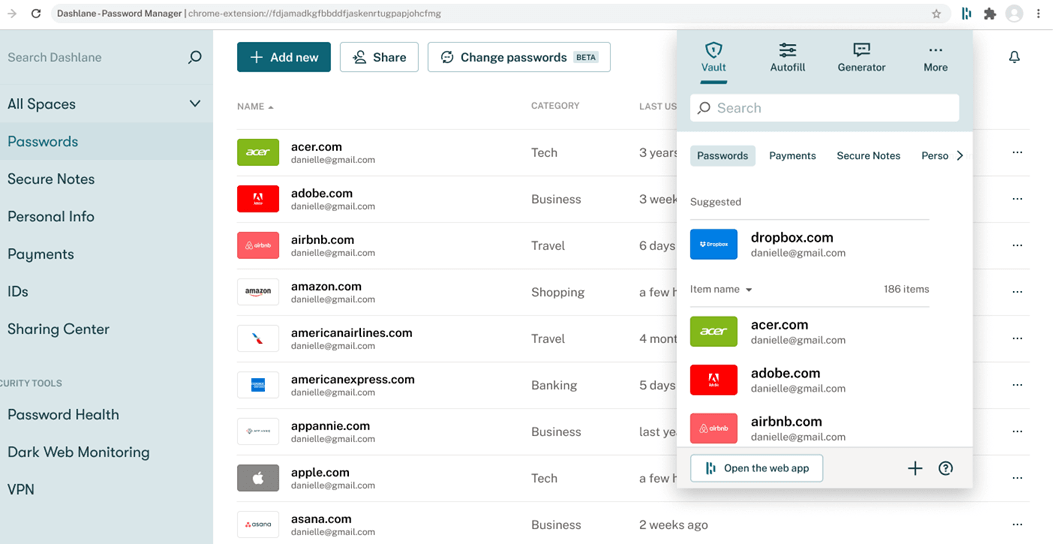
🔥 Recommendation: Dashlane Premium stands out for its built-in security monitoring tools, helping users identify compromised accounts and strengthen password security before problems escalate.
✅ Review-Backed Key Points:
- Dark web monitoring alerts notify users if their credentials appear in known data breaches
- Password health scoring system identifies weak, reused, or compromised passwords
- Automatic password change tools simplify updating vulnerable accounts
- Security-focused dashboard provides a centralized view of account security risks
❌ Limitations: Slightly heavier app experience compared to simpler password managers
👍 Best for:
- Users who want proactive security monitoring and breach alerts
- Individuals managing sensitive personal or financial accounts
- Users looking for stronger password security insights and recommendations
Quick Comparison: Best Password Manager for iPhone
|
Use Case |
Best Option |
Plan |
Why It Wins |
|
Apple-only users |
Apple Passwords |
Free |
Native iOS integration |
|
Free cross-platform |
Bitwarden |
Free |
Unlimited devices |
|
Budget upgrade |
Bitwarden |
Premium |
Best value upgrade |
|
Overall best |
1Password |
Individual |
Strong balance of UX and security |
|
Families |
1Password |
Families |
Shared vault system |
|
Security monitoring |
Dashlane |
Premium |
Breach alerts and monitoring |
|
Beginners |
NordPass |
Free/Premium |
Simple, beginner-friendly interface |
Apple Passwords vs Third-Party Password Managers for iPhone
|
Category |
Apple Passwords |
Third-Party(Bitwarden / 1Password / Dashlane / NordPass) |
|
Security Model |
Use Secure Enclave, Face ID/Touch ID, and iCloud Keychain encryption with deep iOS/macOS integration |
Use strong end-to-end encryption (AES-256 or similar) and zero-knowledge architecture where providers cannot access user data |
|
Cross-Device Sync |
Best performance within Apple ecosystem using iCloud (iPhone, iPad, Mac) |
Strong cross-platform sync across iOS, Android, Windows, Linux, and browsers |
|
Ecosystem Coverage |
Limited to Apple devices and Safari-centric usage |
Works across multiple operating systems and browsers |
|
Sharing and Collaboration |
Basic sharing through Apple ecosystem with limited flexibility |
Advanced sharing using vaults, family/team controls, and permission management (especially 1Password) |
|
Advanced Security Features |
Basic password storage and AutoFill features |
Password health reports, dark web /breach monitoring, security dashboards |
|
Ease of Use |
Extremely simple, no setup required, built into iOS |
NordPass is simplest, others offer more advanced configuration |
|
Best Strength |
Seamless Apple integration and zero-setup experience |
Flexibility, cross-platform support, and advanced security features |
A More Flexible Password Manager on iPhone
FoneTool Unlocker is a 2-in-1 password manager for iPhone or iPad, which can retrieve and view existing Wi-Fipasswords, Safari and app account credentials, and Apple ID info stored on your iOS device, but also unlock screen passcode(4-digit/6-digit), Touch ID, Face ID, apple ID/ iCloud activation lock, etc., to make your iPhone always accessible. It’s fully compatible with iOS 12 and later, even the latest iOS 18/19.
So you don’t need to worry about access issues due to unable to retrieve forgotten credentials, screen time lock issues, blocked Apple ID or device access, etc.
Step 1. Download, install, and launch FoneTool Unlocker on your Windows PC. On the main interface, click Password Management.

Step 2. Click Start Scan to find Wi-Fi passwords, credentials saved in Safari and other apps, check Apple ID info, and back up scan history.
Step 3. For a smooth scan, connect your iPhone, unlock it, and click Trust This Computer and confirm this on FoneTool Unlocker.
Step 4. Click Continue Scan and wait for the process to be complete.
Step 5. Click View Password when scan completed successfully.
Step 6. Click Screen Time Passcode, Wi-Fi account, Web & App Passwords, etc., to check all passwords and credentials it finds.
Conclusion
Which is the best password manager for iPhone? How do I choose one from among so many options? You can refer to 5 key criteria, including security, Apple integration, cross-device support, ease of use, pricing, and premium features like password health checks, breach alerts, secure sharing, etc.
Quick recommendations:
- Apple ecosystem: Apple Passwords (best native iPhone experience)
- Cross-platform: Bitwarden (best free multi-device sync)
- Best overall: 1Password (best balance of security and usability)
- Families: 1Password Families (easy shared password management)
- Security focus: Dashlane (breach alerts and security monitoring)
- Beginners: NordPass (simple and easy to use)
FoneTool Unlocker - 1-Click iPhone Unlock Software
Easily unlock all passcodes and restrictions on your iPhone, iPad, and iPod Touch.
-
 iOS 27 Compatible
 iPhone 17 Supported
100% Secure

Ivey is passionate about teaching users how to easily protect mobile device data. With the FoneTool series of iPhone management, unlocking, and repair software, even beginners can perform data backup, iPhone unlocking, and troubleshooting like a pro.
Read author info >>



 as a preferred
source on Google
as a preferred
source on Google